

Service Fusion is built for businesses that are serious about growth: multiple trucks, a real team, and operations that need to run without constant workarounds.
Service Fusion vs. Housecall Pro: Full Comparison
Not every field service platform is built the same, and if you're growing a team, the difference matters.
Service Fusion and Housecall Pro both cover the basics: scheduling, dispatching, invoicing, and payments. But they're also built for different stages of business growth, and the wrong choice will cost you time and money, and cause you unnecessary headaches.
Get a Demo
By entering your information and clicking “Submit” you are agreeing to receive calls and emails from Service Fusion and its Affiliates regarding their products, services, company news, events and cross promotions. You can review our Privacy Policy, here.
Service Fusion vs. ServiceTitan: Full Comparison
Category


Pricing Model
 Plat monthly pricing
  Per-user pricing; costs scale with team size
 Users Included
Unlimited on all plans
Limited; additional users cost more Contracts
Month-to-month available
Annual contracts available Early Termination Fees
None
May apply depending on plan Time to Go Live
Guided onboarding: most teams are up and running quickly
Primarily self-serve: timeline varies Ease of Use
Intuitive for office staff and field techs
Simple to start; some limitations reported as teams grow Mobile App
Offline functionality, dark mode, fast photo and video uploads
Mobile-first; no offline editing reported QuickBooks Integration
Two-way sync; built for reliable accounting workflows
Integration available; duplicate entries and sync issues commonly reported Payment Processing
Embedded payments integrated into scheduling, invoicing, and collections
Embedded payments available Reporting & Analytics
Operational reporting built for SMB usability, without the complexity
Broader feature set that can introduce unnecessary operational overhead Customer Support
Dedicated, hands-on onboarding + live support
Self-serve; community forums and help center Scalability
Built for growing teams with office staff + field crews
Best fit for solo operators and very small teams Best Fit For
Growing residential service businesses (3-13+ employees)
Solo operators or very small teams getting started Not sure which one fits your business?
Housecall Pro works fine when you’re just getting started. But the moment you start scaling, the per-user costs climb, the add-ons stack up, and the limitations become hard to ignore.
Why Choose Service Fusion Over Housecall Pro?
If your business is growing (more trucks, more techs, more jobs) the platform you pick today needs to be ready for tomorrow. Here’s where Service Fusion stands apart.
1. Pricing That Doesn’t Punish Growth
Housecall Pro’s per-user pricing means your bill grows every time you hire someone new.
With Service Fusion, unlimited users are included on every plan, so your software cost stays predictable no matter how fast you hire.
- Flat monthly pricing (no per-user fees!)
- More core featured included upfront
- Fewer add-ons to buy separately
- Easier to budget as your team grows
2. Field Operations That Work Offline
Service calls happen in basements, rural properties, and in many other places with spotty cell service.
Service Fusion’s mobile app is built for the real world: offline functionality keeps your techs working no matter where they are, with automatic sync when they’re back online.
- Offline editing access so techs can update jobs even without a signal
- Fast photo uploads directly from the field
- Dark mode for night and low-light work environments
- In-app help for techs who need quick answers
3. QuickBooks Sync You Can Actually Trust
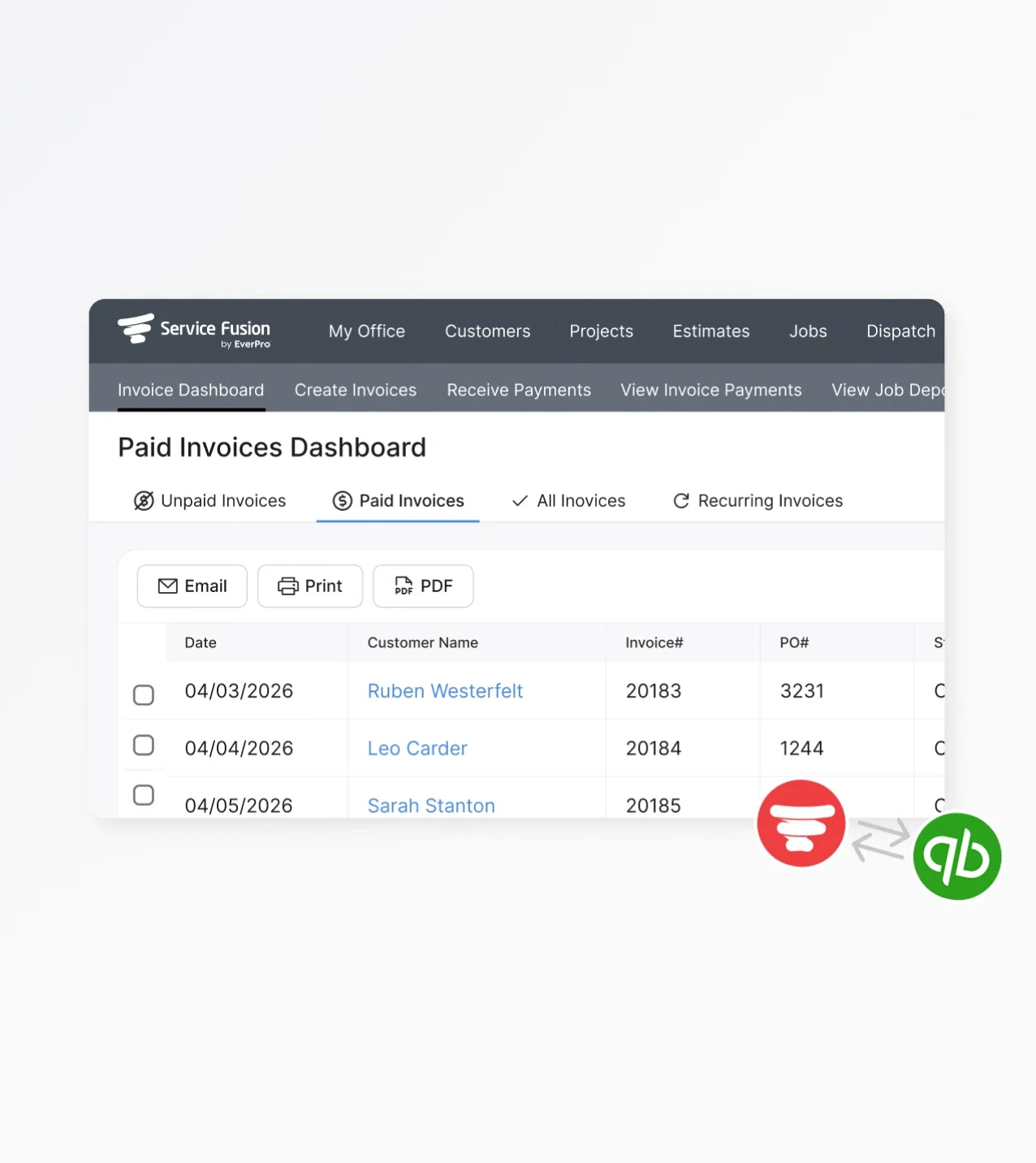
Service Fusion's two-way QuickBooks sync is built to work.
Housecall Pro's integration is among the most-cited pain points in public user reviews: duplicate invoices, sync errors, and reconciliation cleanup that eats into your week.
- Two-way QuickBooks sync––invoices, payments, customers
- No duplicate entries or data corruption to clean up
- Designed to work with how service businesses actually invoice and collect payments
4. Onboarding and Support That Goes the Distance
Getting set up on new software is one of the most stressful parts of switching platforms.
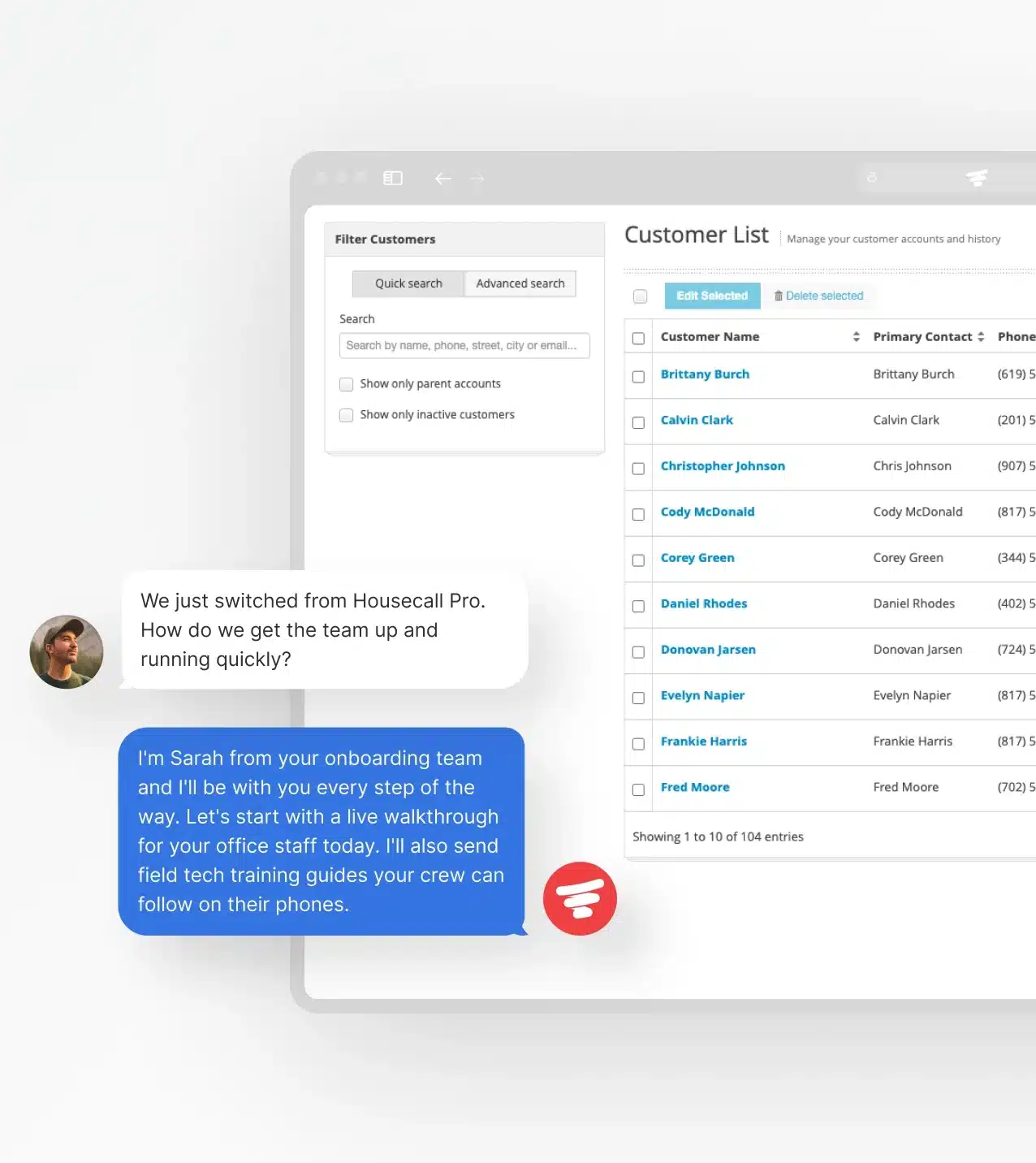
Service Fusion provides guided onboarding and live support, not a help center and a ticket queue.
- Hands-on onboarding helps get your team up and running quickly
- Live customer support from people who know the product
- Training resources to help your office staff and field techs adopt the platform
5. Built to Scale Beyond a Single Crew
Housecall Pro is an acceptable starting point for solo operators. But growing businesses with multiple trucks and office staff often outgrow Housecall Pro fast.
Service Fusion is designed for that next stage: more visibility, more flexibility, and built for a full team.
- Workflow customization across 20+ trades and service types
- Full operational view (from estimate to invoice) all in one platform
How Service Fusion and Housecall Pro
Compare Feature by Feature
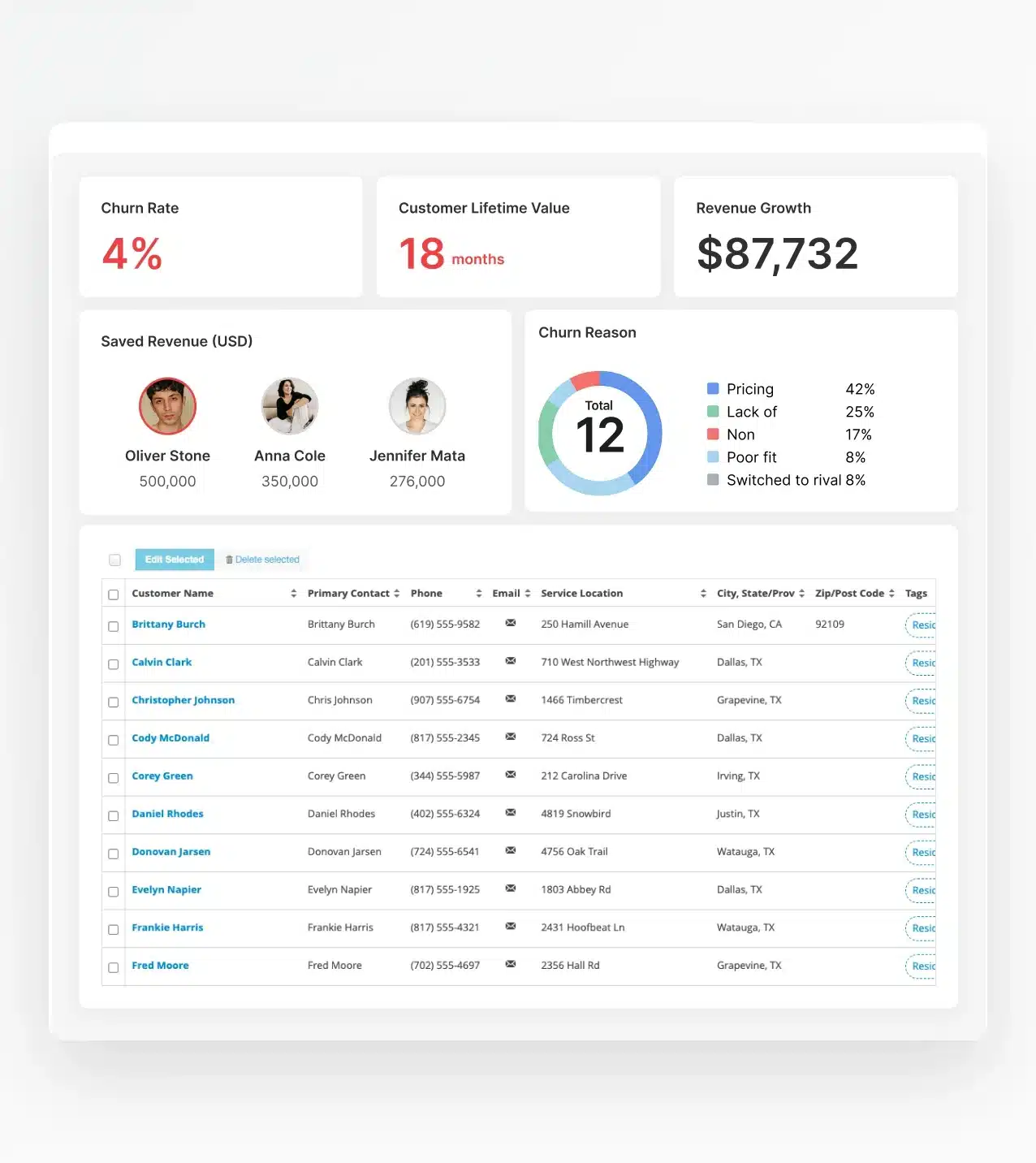
Both platforms cover the field service basics, but depth, reliability, and flexibility vary across the board. Here’s how they stack up across the features that matter most to growing service businesses.

Scheduling
-

Service Fusion offers centralized scheduling with drag-and-drop job assignment, recurring jobs, and real-time calendar views for the whole team.
-
Housecall Pro includes basic scheduling tools that are easy to learn, a good fit for small teams but somewhat limiting as job volume grows.

Dispatching
-
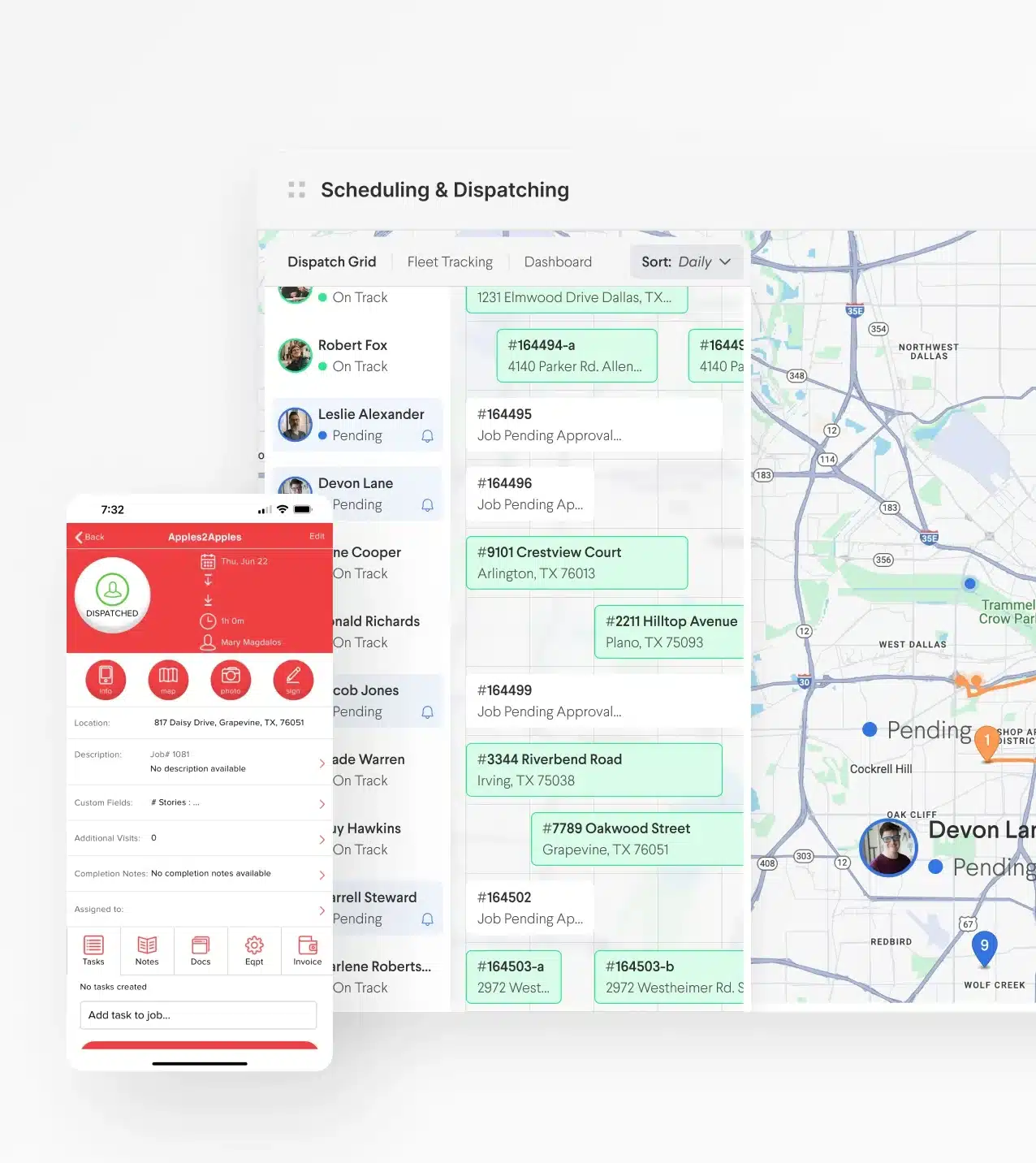
Service Fusion’s dispatch board gives office staff real-time visibility into where every technician is and what they’re working on.
-
Housecall Pro covers dispatching basics, but users with larger teams have reported workflow gaps as complexity increases.

CRM
-
Both platforms include customer record management: contact history, job history, and communication logs.
-
Service Fusion’s CRM is built to support recurring residential and commercial relationships at scale across 20+ service trades.

Reporting
-
Service Fusion provides operational reporting designed for SMB usability: revenue by job type, technician performance, and payment tracking.
-
Housecall Pro offers broader reporting features, though some users find the added complexity more than they need at their stage.

Automation
-
Service Fusion automates follow-ups, appointment reminders, and invoice delivery, helping office staff spend less time on manual tasks.
-
Housecall Pro also includes automation, with some advanced features marketed primarily toward their upper pricing tiers.

Inventory
-
Service Fusion includes inventory management for tracking parts and materials by job.
-
Housecall Pro’s inventory management is more limited and may require workarounds for businesses with complex parts tracking needs.

Integrations
-
Service Fusion supports 40+ integrations built to fit into your existing workflow, not the other way around.
-
Housecall Pro’s integration library is more limited, which can create gaps for growing businesses that need their tools talking to each other.

GPS Fleet Tracking
-
Service Fusion includes GPS fleet tracking to help you monitor vehicle location, reduce fuel costs, and maintain visibility across your entire field operation in real time.
-
Housecall Pro doesn’t offer native GPS fleet tracking; businesses that need it must use a third-party tool.

Customer Communication
-
Both platforms support automated texts and emails, like appointment confirmations, technician ETAs, and review requests.
-
Service Fusion goes further with ServiceCall.ai, an AI call tracker that connects phone activity directly to jobs. Housecall Pro doesn’t offer anything comparable.

Mobile App
-
Service Fusion's worker app supports offline editing, so technicians can update jobs, capture photos, and work orders without a signal, with automatic sync when connectivity returns.
-
Housecall Pro's app is view-only offline. Technicians can see their schedule, but can’t create, edit, or modify jobs, estimates, or invoices until they’re back on Wi-Fi or cell service — a real problem when your team works in basements, rural areas, or anywhere with spotty coverage.

Billing & Payments
-
Service Fusion Payments is built into every step of the job: dispatch, invoicing, and collections all work together across your office and field teams. Techs collect payment on-site, office staff spend less time chasing checks, and completed jobs close without the manual reconciliation.
-
Housecall Pro offers integrated payments, but the workflow is better suited to smaller, simpler operations than growing multi-crew businesses.

Permissions & Security
-
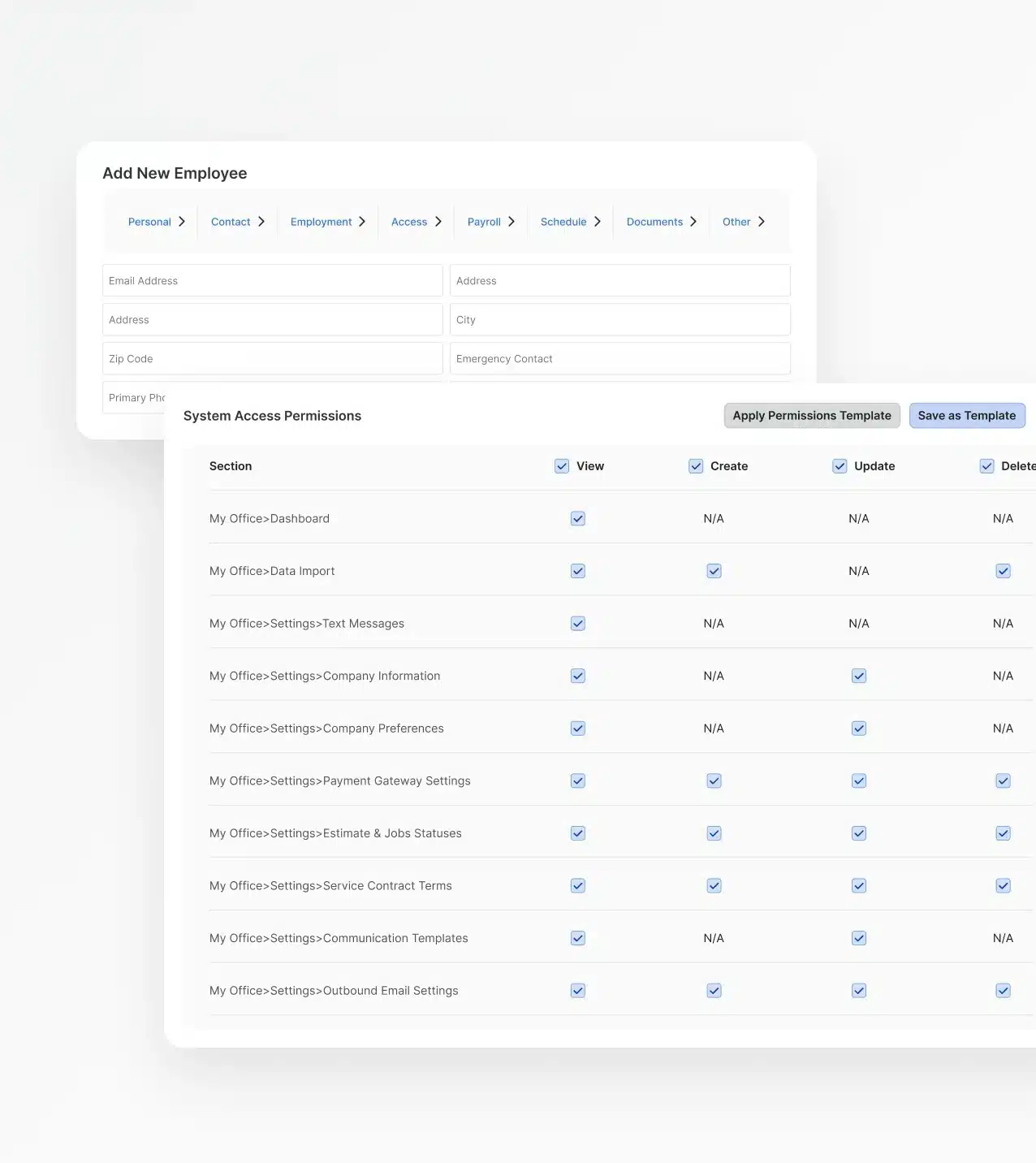
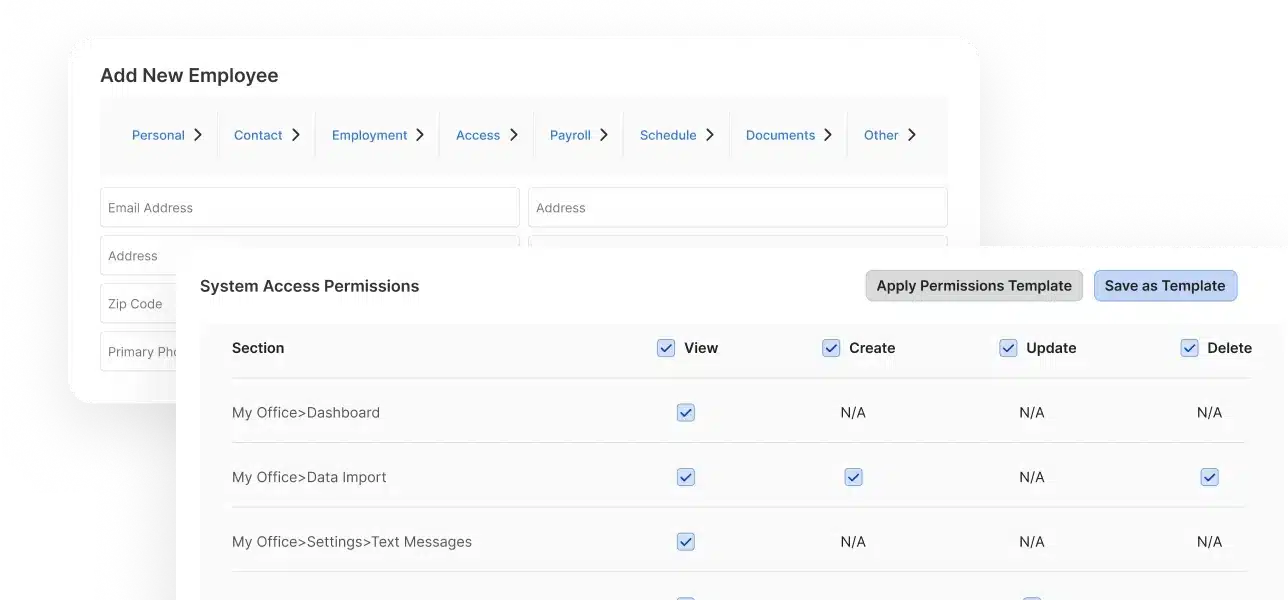
Service Fusion supports role-based permissions: technicians, dispatchers, admins, and owners each see what they need and nothing more. This becomes increasingly important as teams grow and data sensitivity increases.
-
Housecall Pro offers three basic role types, with limited customization. For growing businesses that need more control over who accesses what, that rigidity becomes a real constraint.
The Real Difference Between Service Fusion and Housecall Pro
Features matter, but they only tell part of the story. The real test is a busy Tuesday morning: six jobs on the board, and a tech just called out. Here's where Service Fusion is built differently.
Flat-Rate Pricing That Works the Way Your Business Does
Service Fusion's Flat Rate Integration lets techs quote confidently in the field — no back-and-forth with the office. More is included upfront, and your monthly cost doesn't change whether you add one user or ten.
Housecall Pro's core capabilities often require additional paid add-ons as you grow.
Payments That Keep Jobs Moving
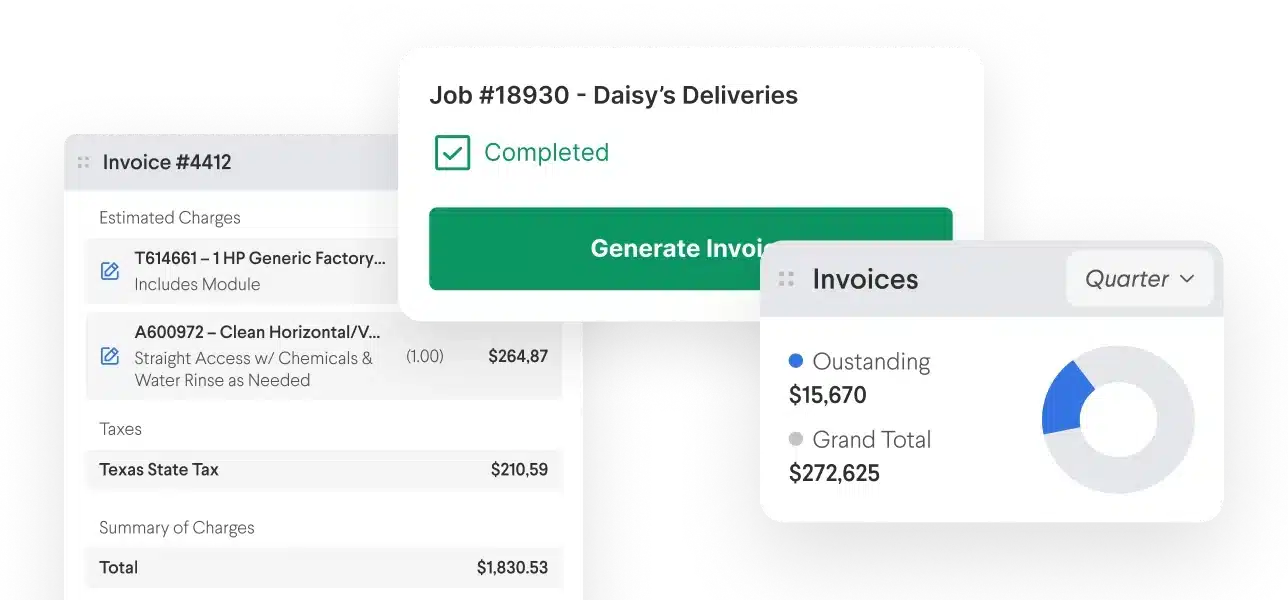
Service Fusion Payments brings invoicing, collections, and financing into the same workflow your team already uses to run jobs.
Techs collect payment before leaving the jobsite, and office staff stay focused on the next job. No loose ends, no manual follow-up. Jobs close when the work is done, not days later.
QuickBooks Sync That Doesn't Create More Work
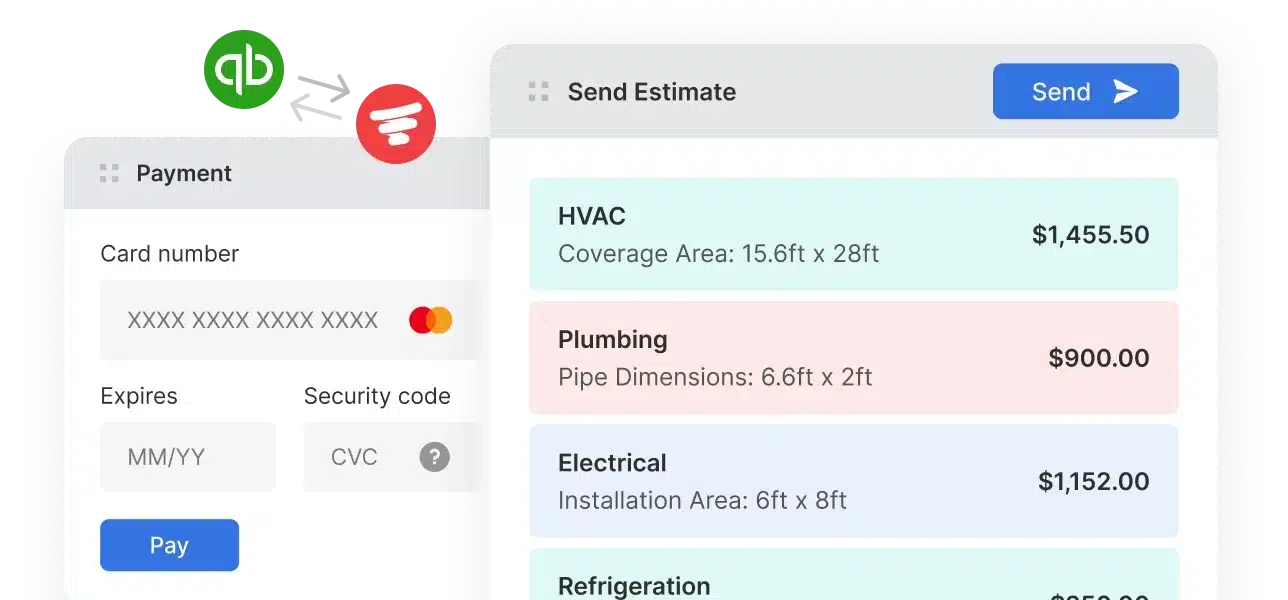
Service Fusion's two-way QuickBooks sync keeps invoices, payments, and customer data clean: no duplicates and no manual cleanup.
Housecall Pro's integration is one of the most-cited pain points in public reviews: sync errors and reconciliation that eats into your week.
Onboarding and Support That Stays With You
Most software companies hand you a help center and call it onboarding.
Service Fusion offers real people to help with guided setup, live support, and training that gets your whole team operational from day one.


Frequently Asked Questions
What’s the difference between Service Fusion and Housecall Pro?
Both are field service management platforms for small to mid-sized businesses. The main differences come down to pricing, scalability, and operational depth.
Service Fusion offers flat pricing with unlimited users and more functionality included upfront, making it a stronger fit for growing teams. Housecall Pro is well-suited for solo operators and very small businesses just getting started.
Which is better for small businesses: Service Fusion or Housecall Pro?
It depends on where your business is right now. Housecall Pro is designed for solo operators and very small teams: lightweight by design but limited as a long-term growth tool. Many core features sit behind paid add-ons, so what looks affordable early on can easily double or triple as your operation grows.
Service Fusion is built for businesses that are ready to scale: there’s more included upfront, and it’s a platform that grows with you instead of against you.
Which platform is easier to use?
Both platforms are designed for non-technical users. Housecall Pro is often praised for its simple onboarding for very small teams. Service Fusion's interface is intuitive for both office staff and field technicians. Plus, it includes guided onboarding support to get your whole team up to speed faster.
How do Service Fusion and Housecall Pro compare on pricing?
Housecall Pro's entry price is low, but it’s per-user: every new hire adds to your monthly bill. Plus, add-ons for core features stack up quickly on top of that.
Service Fusion uses flat monthly pricing with unlimited users. What you pay on day one is what you pay when your team doubles. For growing businesses, that predictability has real value.
Do Service Fusion and Housecall Pro support invoicing and payments?
Yes, both platforms support invoicing and integrated payments. Service Fusion supports ACH, cards, Apple Pay, and Google Pay directly within the job workflow.
Does Housecall Pro integrate with QuickBooks?
Yes, Housecall Pro has a QuickBooks integration, but it's one of the most commonly cited pain points in public user reviews. Many businesses report duplicate invoice entries, sync inconsistencies, and time-consuming accounting cleanup.
Service Fusion is built around a reliable two-way QuickBooks sync designed to avoid these issues.
Which software offers better scheduling and dispatching tools?
Service Fusion's dispatch board gives real-time visibility into your entire field operation, including technician locations, job statuses, and scheduling across the team.
Housecall Pro includes scheduling and dispatching too; it works well for small teams, but some users report limitations as job volume and team size increase.
Which platform has better mobile app functionality?
Service Fusion's Field Worker App supports offline functionality, so technicians can view, add, and edit job details, capture photos and videos, and update work orders without cell service, with automatic sync when connectivity returns.
Housecall Pro's app doesn’t support offline editing at all. Technicians can only view pre-loaded job screens until they’re back on Wi-Fi or cell service, meaning any updates, estimates, or job changes have to wait until they’re back online.
Which solution is better for scaling a growing field service business?
Service Fusion is built exactly for this. Unlimited users, customizable workflows across 20+ trades, reliable accounting integration, and hands-on onboarding support make it the stronger fit for businesses growing beyond a single truck or owner-operator.
Is Housecall Pro a CRM?
Housecall Pro includes basic CRM functionality, like customer records, contact history, and communication logs, but it’s primarily a field service management (FSM) platform, not a dedicated CRM.
Service Fusion similarly manages customer relationships within the context of field operations and job management.