

Service Fusion vs. Jobber: Full Comparison 

Service Fusion is built for service businesses that have outgrown single-user tools: it’s one platform for your whole team, from the office to the field. 

Key Service Fusion highlights include:

  • Dispatchers, office staff, and technicians on one connected system
  • Flat-rate pricing that stays predictable as your team grows
  • Hands-on onboarding and support included on every plan

Service Fusion vs. ServiceTitan: Full Comparison

Category
Service Fusion
Jobber Logo
Ideal customer
Bullet Blue Growing service businesses with multi-user teams
Cross Icon Owner-operators and very small teams
Pricing model
Bullet Blue Flat-rate plans, unlimited users included
Cross Icon Per-user pricing that rises with your team
QuickBooks integration
Bullet Blue Included from Starter; supports Online/Desktop
Cross Icon Available on higher-tier plans only
Onboarding & support
Bullet Blue Personalized onboarding & unlimited support 
Cross Icon Dedicated support limited to higher-tier plans
Workflow customization
Bullet Blue Custom documents, job costing, estimate options, API access
Cross Icon Deeper customization reserved for higher tiers
Scheduling & dispatch
Bullet Blue Built for coordinated office and field operations
Cross Icon Strong for smaller, self-managed teams
Mobile & field experience
Bullet Blue Offline, dark, & camera burst modes + video uploads
Cross Icon Scheduling, quotes, invoicing, and customer comms
Reporting
Bullet Blue Customizable across jobs, technicians, and financials
Cross Icon Available, but users note limitations in depth
Scalability
Bullet Blue Built for growing headcount and operational complexity
Cross Icon Best suited for early-stage, smaller teams
Best Fit
Bullet Blue Teams with dispatchers, office staff, and accounting in one system
Cross Icon Solo operators or small teams just getting started

Why Choose Service Fusion over Jobber?

Jobber is a capable platform, especially for owner-operators and small teams that want a clean, simple setup with a low barrier to entry. But for growing businesses that need dispatchers, office staff, technicians, and accounting all working from one system, Service Fusion goes further where it counts.

1. Flat Pricing That Grows With You

Jobber charges per user, so every new hire adds to your software bill.

Service Fusion includes unlimited users on every plan, keeping costs predictable as your team expands.

  • No per-seat fees as you add dispatchers, technicians, or office staff 
  • Software costs stay flat whether you have 5 users or 25
  • Scale your team without revisiting your budget
Flat Pricing That Grows With You
QuickBooks From Day One

2. QuickBooks Connected From the Start

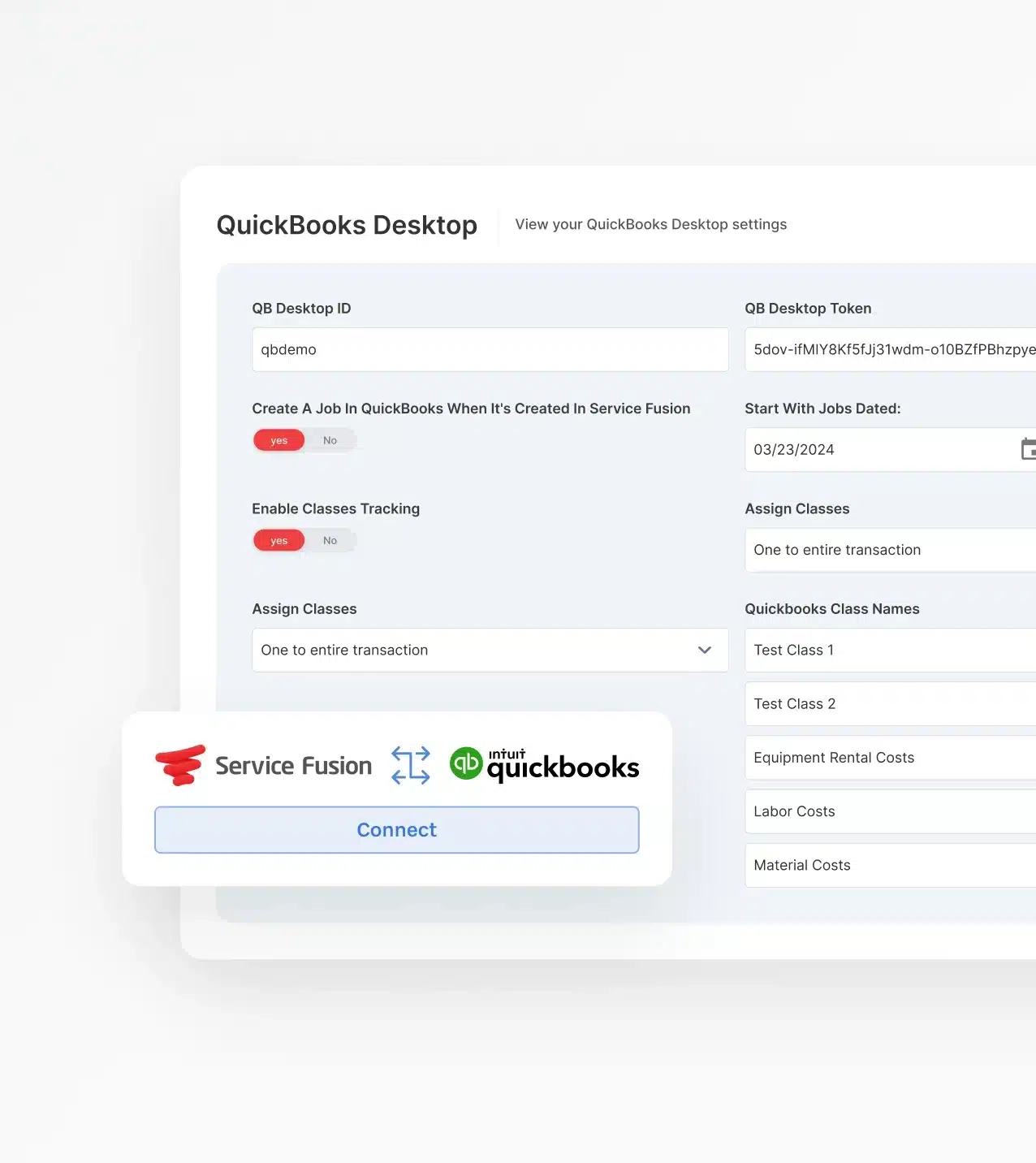
Jobber reserves QuickBooks access for higher-tier plans. Service Fusion includes it from the base plan, supporting both Online and Desktop.

  • Connect accounting workflows before your first invoice goes out
  • Jobs, payments, and invoices sync to your books automatically
  • No plan upgrade required to get your accounting connected

3. Support That Shows Up

Jobber's dedicated onboarding and prioritized support are limited to upper-tier plans. 

Service Fusion includes personalized implementation guidance and unlimited support on every plan.

  • Dedicated onboarding specialists guide your team from setup to go-live
  • Support available across office staff and field technicians alike
  • Get help when you need it, not when your plan allows it
Onboarding That Actually Sticks
Your Whole Team, One System

4. Workflows That Fit Your Business

Jobber keeps things simple, which works until your operation needs more. 

Service Fusion offers configurable workflows, custom documents, job costing, and API access across plans.

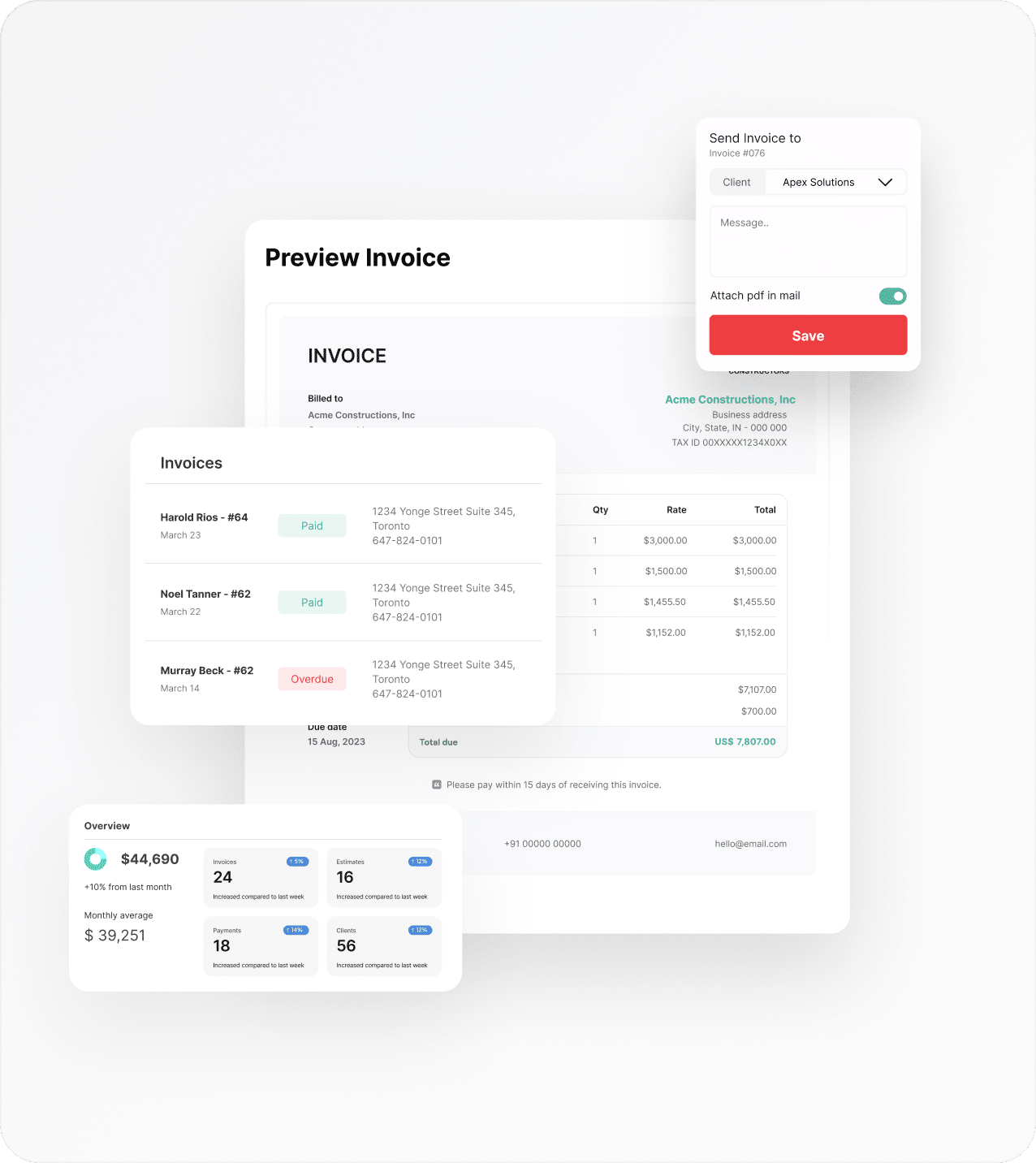
  • Customize estimates, invoices, and job documents to match how you work
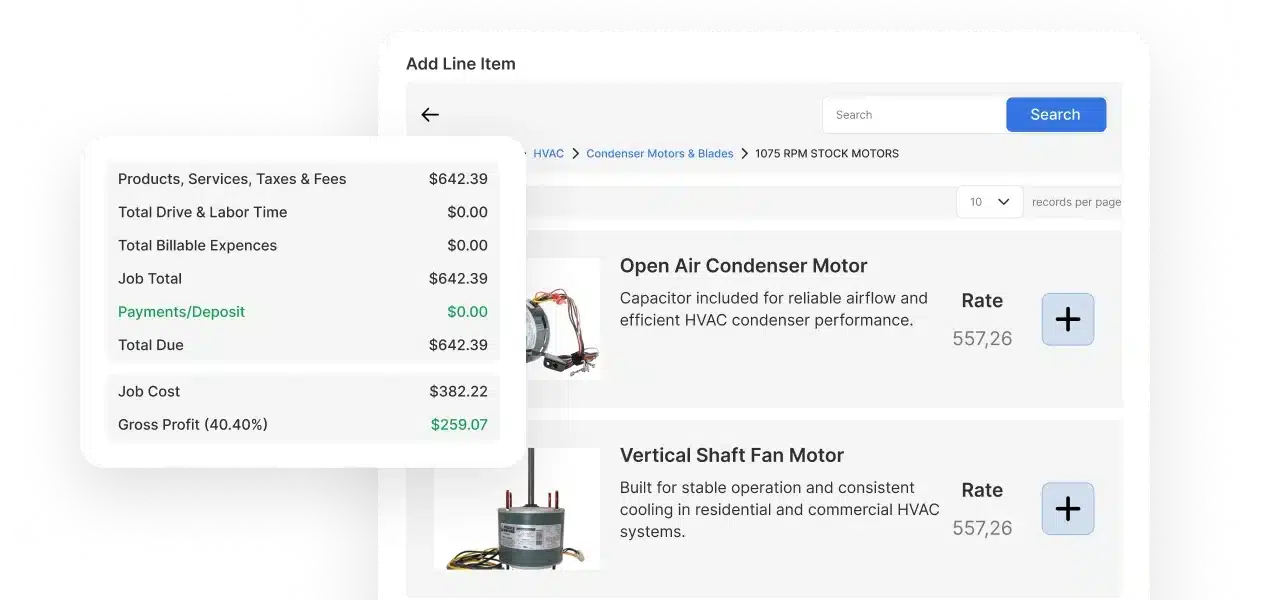
  • Job costing and reporting built for businesses tracking real margins
  • Flexibility that adapts as your trade, team, and processes evolve

5. One Platform for Office and Field

Jobber is designed for self-managed, client-facing workflows. 

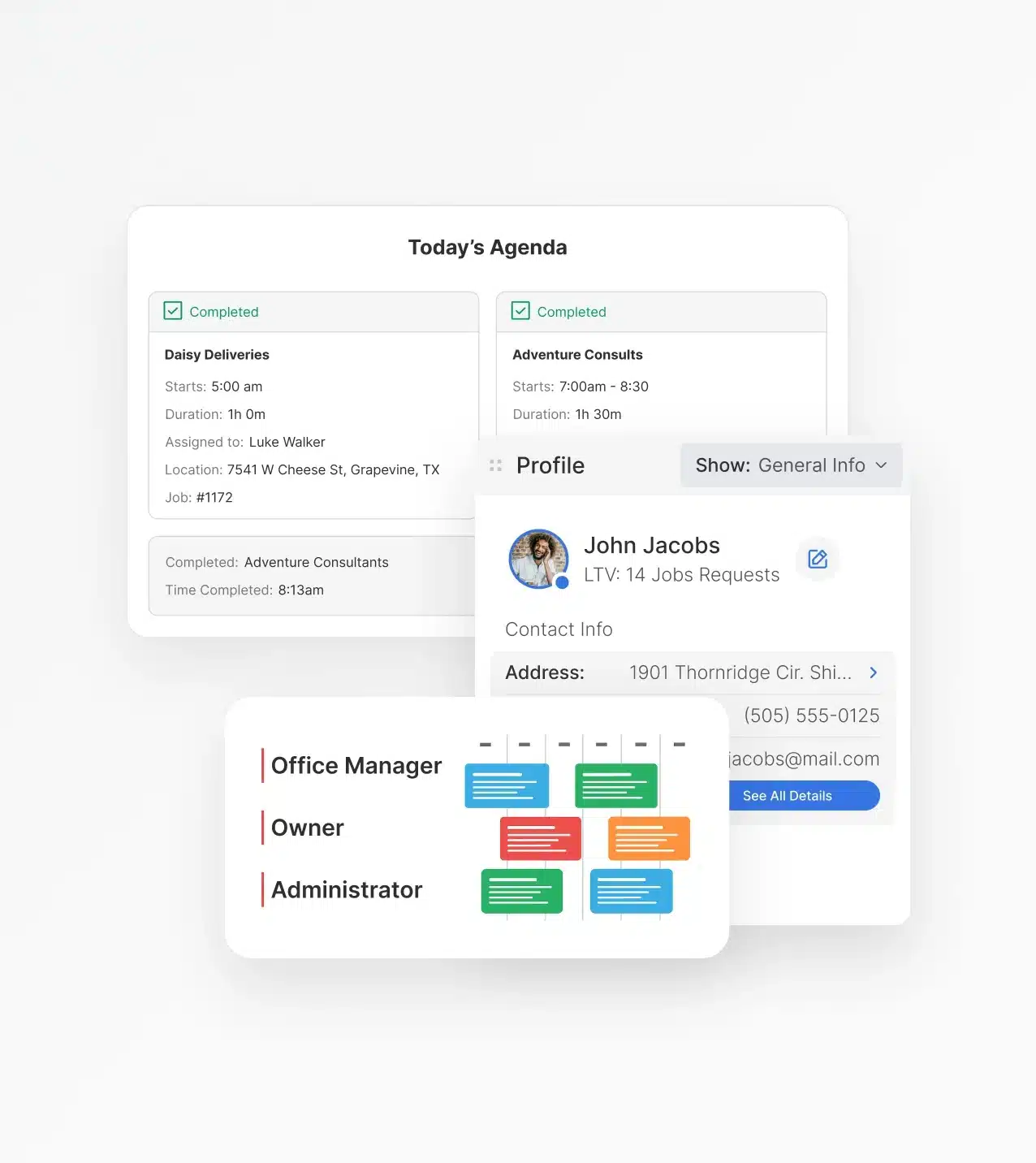
Service Fusion connects every role, including dispatchers, office staff, technicians, and accounting, in one unified system.

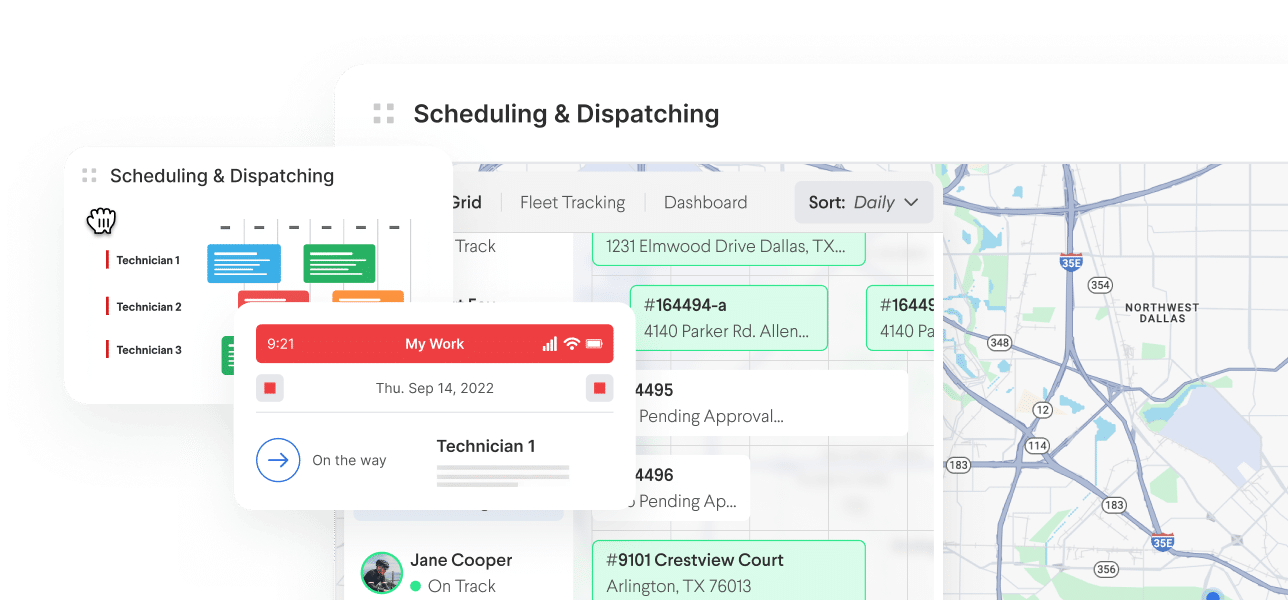
  • Dispatchers work from a live scheduling and dispatch board
  • Office staff manage jobs, customers, and invoices from one place
  • Technicians access job details, photos, and signatures from the field
Get a Free Demo
Service Fusion flat-rate pricing interface

How Service Fusion and Jobber Compare Feature by Feature

Jobber and Service Fusion offer many of the same core tools, but how those tools perform for a growing team is a different story. The differences show up in depth, flexibility, and how well everything works together as your operation scales. Here's a closer look at where it matters most.

Scheduling and Dispatch

  • Service Fusion's scheduling and dispatch board gives coordinators real-time visibility into technician locations, job status, and availability across the whole team. 

  • Jobber offers strong scheduling tools, but they're designed for smaller, self-directed teams rather than operations with active dispatchers coordinating throughout the day.

CRM and Customer Management 

  • Service Fusion's CRM is built for multi-user access, so dispatchers, office staff, and technicians all work from the same consistent, up-to-date customer data. 

  • Jobber's client management is clean and easy to navigate, but only optimized for owner-operators managing their own customer relationships.

Mobile & Field Experience

  • Service Fusion's updated Field Worker app includes Offline Mode, multiple photo uploads, signature capture, and dark mode, built for technicians working in real job site conditions.

  • Jobber's mobile app covers scheduling, quoting, invoicing, and customer communication with a clean interface suited for smaller, self-managed field operations.

Billing, Payments & Integrations

  • Service Fusion includes QuickBooks integration supporting both Online and Desktop from the base plan, so invoices and payments sync to your books from day one.

  • Jobber supports QuickBooks Online too, but reserves that integration for its higher-tier plans.

Automation & Workflows

  • Service Fusion supports workflow automation across job creation, customer communications, and operational triggers, with customizable docs and job costing built in.

  • Jobber includes workflow automations as part of its feature set, with availability and depth varying by plan tier.

Reporting & 
Visibility

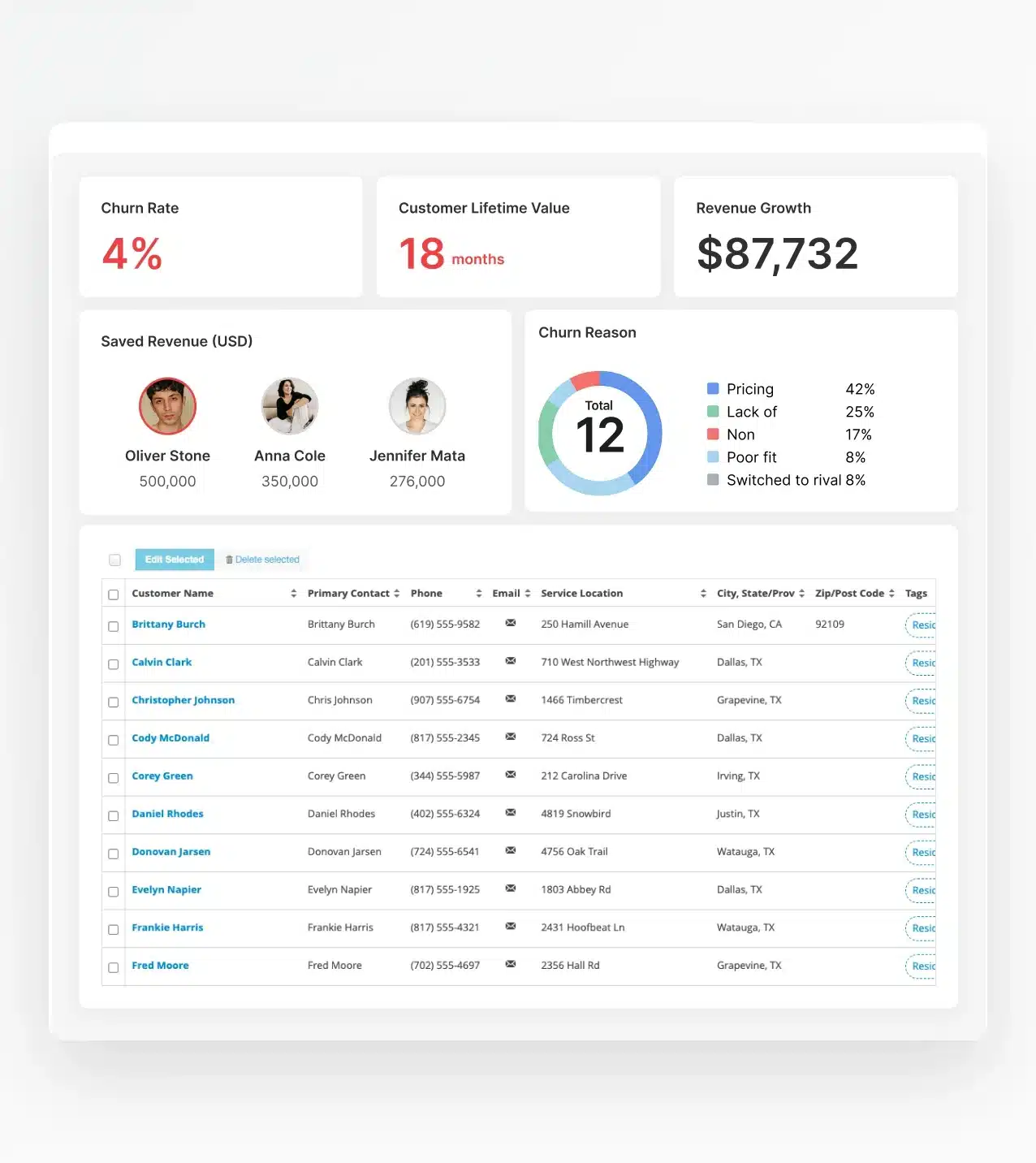
  • Service Fusion offers customizable reporting across jobs, technicians, revenue, and financials, giving owners and office managers a clear picture of business performance.

  • Jobber provides reporting features, though user feedback consistently identifies reporting depth as an area where the platform has room to grow.

Customer Communication

  • Service Fusion communication tools are built into the same system used by dispatchers and office staff, keeping every customer touchpoint connected to the job record.

  • Jobber's communication features work well for smaller teams managing their own client relationships but lack the same cross-role coordination layer.

Inventory & Permissions

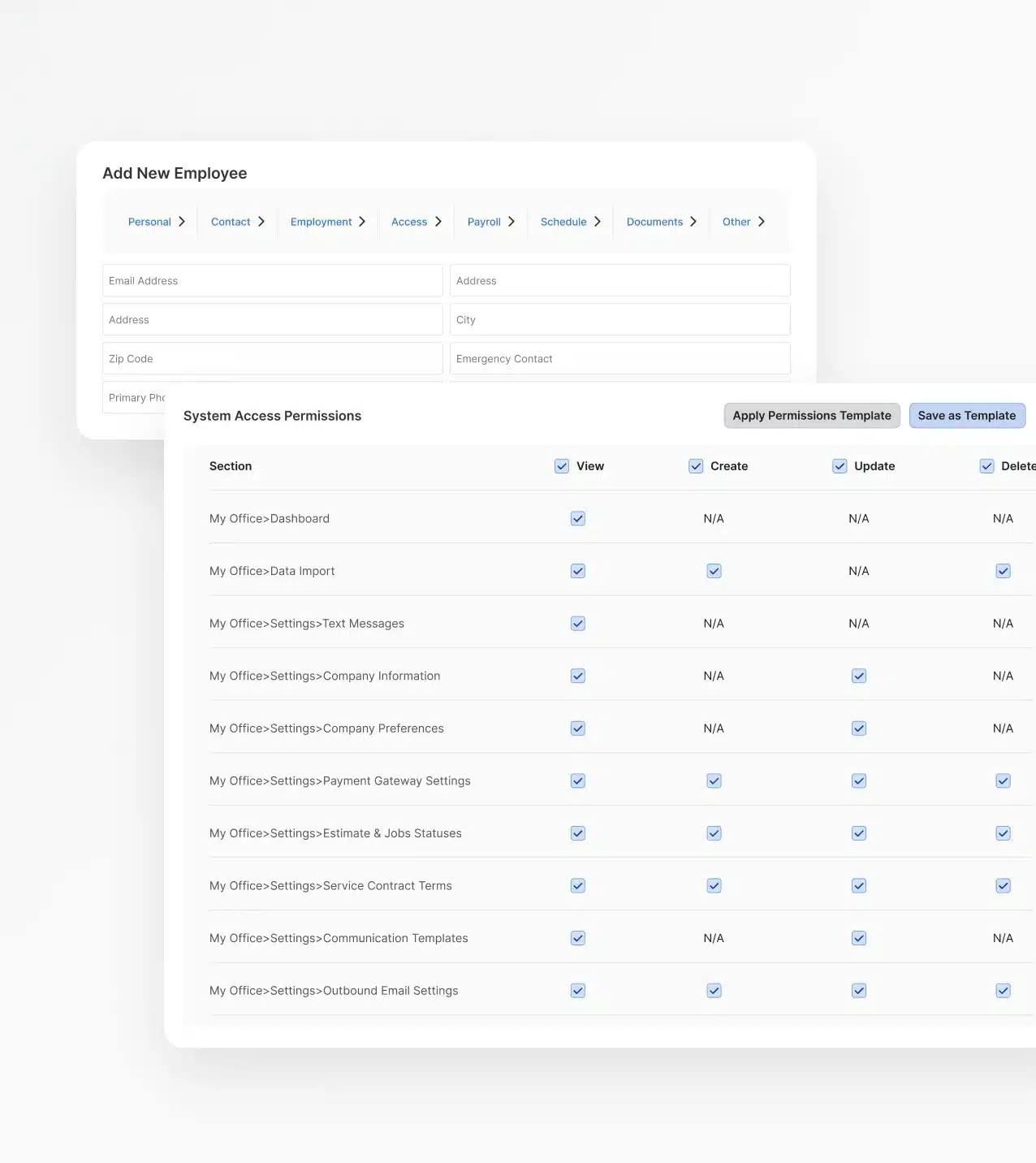
  • Service Fusion includes inventory tracking as part of the core platform, along with role-based permissions that give different team members access to only what they need.

  • Jobber supports inventory management through third-party integrations, with permission controls available across plans and additional options at higher tiers.

The Real Difference Between Service Fusion and Jobber

When you're evaluating software, it's easy to compare feature lists. The harder question is whether the platform you pick today can still support your business a year from now; when your team is bigger, your jobs are more complex, and your margins matter more. Here's where Service Fusion pulls ahead.

You're Not Just Buying Software, You're Buying a System

Jobber gives you a set of tools. Service Fusion gives you a connected workflow. When every role works from the same system, less falls through the cracks.

  • No manual handoffs between disconnected tools
  • One record follows the job from first call to final invoice
  • Office and field stay in sync without extra coordination

You're Not Just Buying Software, You're Buying a System

The Cost of Outgrowing Your Platform

Jobber works well early, but businesses often find themselves hitting its limits right when things are picking up. Service Fusion is built to scale as your operation gets more complex.

  • Avoid the cost and disruption of a mid-growth platform switch
  • Workflows that adapt as you add roles, trades, and locations
  • A platform built for where your business is going, not just where it is

Payments That Keep Jobs Moving

What Happens When Something Goes Wrong?

Every software has rough patches. What matters is who picks up when you call. Service Fusion is there to help on every plan, not just as a premium add-on.

  • Real support from people who know the platform
  • Onboarding help that doesn't disappear after week one
  • Jobber's highest-tier support is reserved for their highest-tier plans

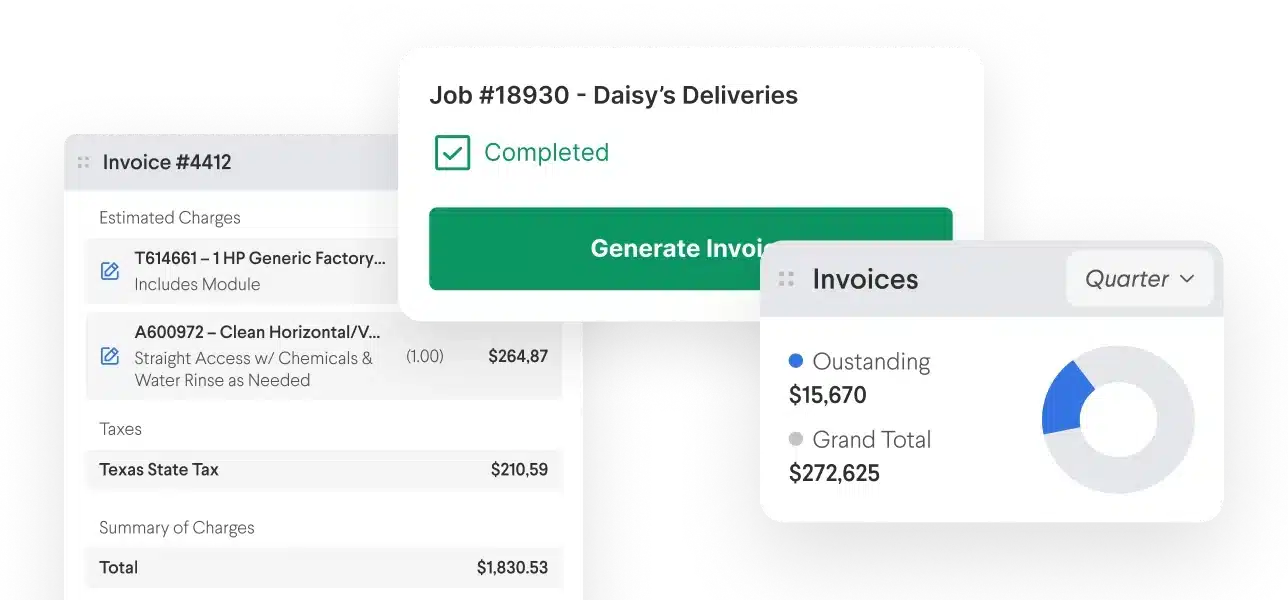
Payments That Keep Jobs Moving

Built for Trades, Not Just Any Small Business

Jobber serves a wide range of small businesses. Service Fusion is built specifically for service contractors and reflects how trades businesses actually operate day to day.

  • Job costing and estimates built for contractors
  • Custom documents and workflows that match how your trade runs
  • A field experience designed for technicians, not just mobile-friendly office tools

Built for Trades, Not Just Any Small Business
Get a Free Demo

See Service Fusion in Action

If you're evaluating Jobber alternatives, the best next step is seeing Service Fusion firsthand. 

One demo shows you exactly how scheduling, dispatch, QuickBooks, and field tools work together in a single system––built for a team, not just a single user.

Get a Free Demo

Frequently Asked Questions: Service Fusion vs. Jobber

What is the main difference between Service Fusion and Jobber?


Both platforms help service businesses manage jobs, customers, and invoices, but they’re designed for different stages of growth. Jobber is designed for owner-operators and smaller teams that prioritize simplicity and self-service setup. Service Fusion is built for businesses that already have, or are actively building, a team of technicians, office staff, dispatchers, and accounting users who need to work from one connected system. The core distinction is whether your business is selecting software for right now or choosing a platform that can support a larger operation as you grow.

How does Service Fusion's pricing compare to Jobber?


Service Fusion uses flat-rate plan pricing that includes unlimited users. Jobber prices per user, with monthly rates ranging from $29 to $199 per user depending on the plan. For businesses with multiple users, Service Fusion's pricing model is typically more predictable and cost-effective as headcount grows.

Which platform scales better for a growing team?


Service Fusion is built to scale with growing businesses. Unlimited users, customizable workflows, role-based permissions, and QuickBooks integration from the Starter plan make it a stronger fit as headcount and operational complexity increase. Jobber's per-user pricing and simpler feature set are better suited for early-stage businesses or teams with fewer than five users.

Does Service Fusion integrate with QuickBooks?


Yes. Service Fusion includes QuickBooks integration on all plans, starting with Starter. It supports both QuickBooks Online and QuickBooks Desktop. Jobber's QuickBooks integration is available, but only on higher-tier subscription plans.

Is Jobber a good fit for any business?


Jobber is a strong choice for owner-operators, solopreneurs, and very small teams that want a straightforward, self-serve setup with a low barrier to entry. If your business is in its early stages and you're the primary user, Jobber may be the right starting point. As your team grows and operational needs increase, Service Fusion becomes the stronger long-term fit.

Which platform is easier to use?


Jobber is known for a clean, simple interface, a plus for solo operators or very small teams. Service Fusion is built for multi-role operations, so there's more to it, but dedicated onboarding specialists are included on every plan to get your whole team up to speed quickly.

How long does onboarding take with Service Fusion?


Setup timelines vary based on team size and configuration, but hands-on onboarding support is included from day one on every plan, not reserved for higher pricing tiers. Most businesses are up and running faster than they expect.

What kind of support does Service Fusion include?


Every Service Fusion plan includes unlimited support and personalized onboarding. You're not handed a help center and left to figure it out. Dedicated specialists are available to guide your team through setup and beyond.

Does Service Fusion have a mobile app for field technicians?


Yes. The Service Fusion Field Worker app includes Offline Mode, dark mode, multiple photo uploads, signature capture, and job detail access, all designed for technicians working in the field, with or without cell coverage.

What integrations does Service Fusion offer?


Service Fusion includes API access and integrates with QuickBooks Online and Desktop, along with other operational tools. Jobber has a broad partner ecosystem with 66 listed integrations, but specific integration needs should be confirmed with both vendors during the evaluation process.

Can I switch from Jobber to Service Fusion?


Yes. Service Fusion's onboarding team can help guide the migration process. If you're currently on Jobber and hitting its limits, a demo is a good first step to see how the transition would work for your business.

What types of businesses use Service Fusion?


Service Fusion serves residential and commercial service contractors across HVAC, plumbing, electrical, garage door, locksmith, and other trades. It's built for businesses that need to coordinate office staff, dispatchers, field technicians, and accounting in a single platform.

Can Service Fusion handle multiple locations?


Yes. Service Fusion is built to support businesses managing more than one location, with reporting, scheduling, and dispatch tools that work across multiple sites. <br ><br > As your operation expands, you're not limited to a single-location view: your whole business stays visible from one platform.

What trades does Service Fusion support?


Service Fusion is built for residential and commercial service contractors across a wide range of trades, including HVAC, plumbing, electrical, garage door, locksmith, and more. <br ><br > The workflows, job costing tools, and field experience are designed around how trade businesses actually operate, not generic small business needs.