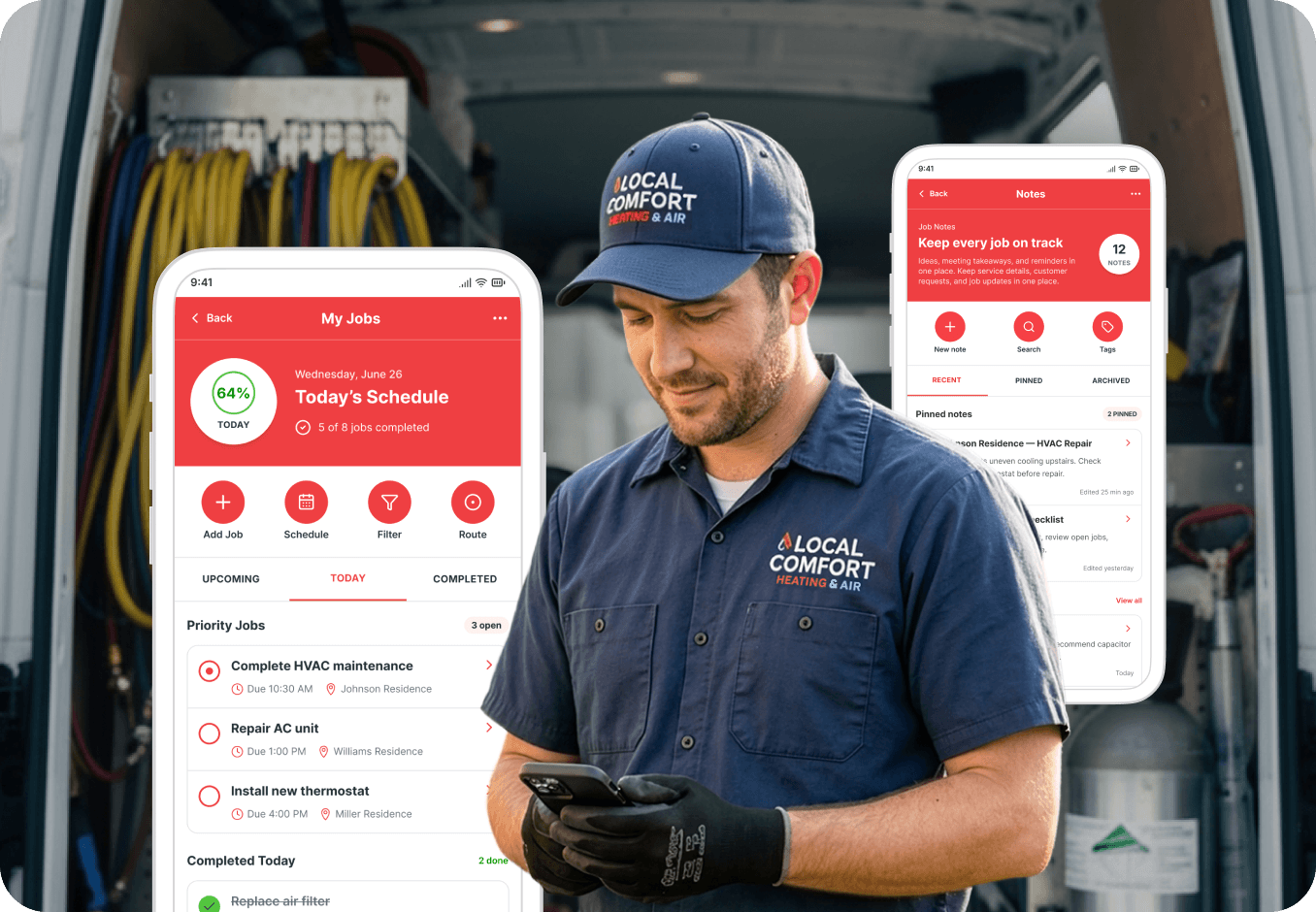
A Faster, More Modern Field Service Mobile App 

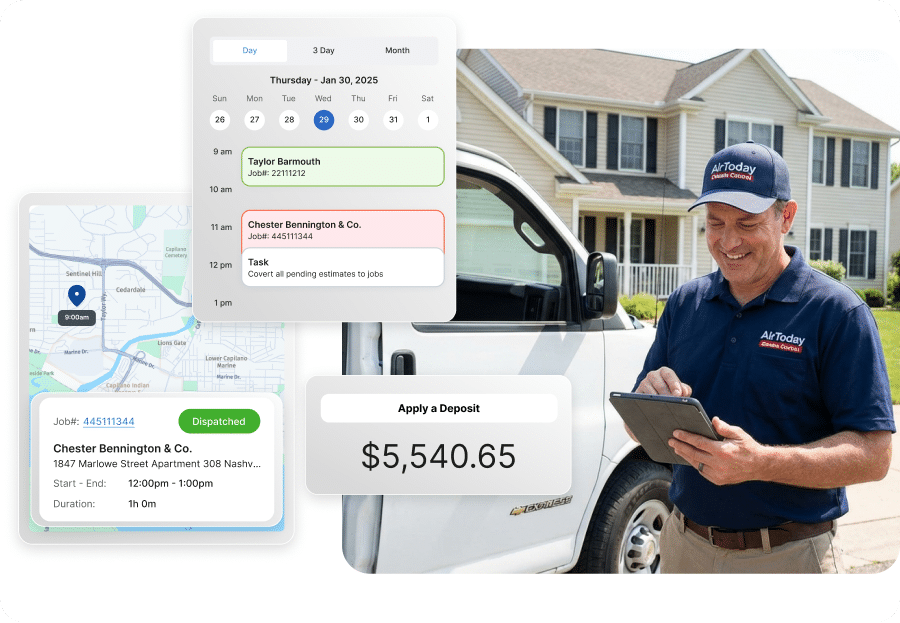
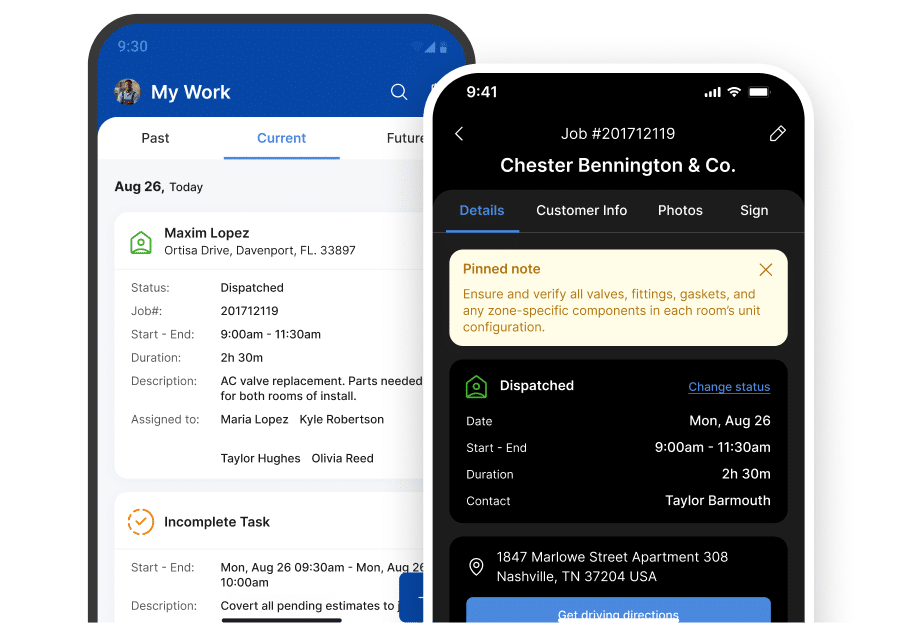
The Service Fusion field service mobile app helps technicians complete jobs faster with modern workflows and fewer taps.

  • Faster load times
  • Easier job and customer access
  • Dark Mode for low-light jobs
  • Built-in help and training
  • Real-time office-to-field syncing

Work Offline. No Signal Needed.

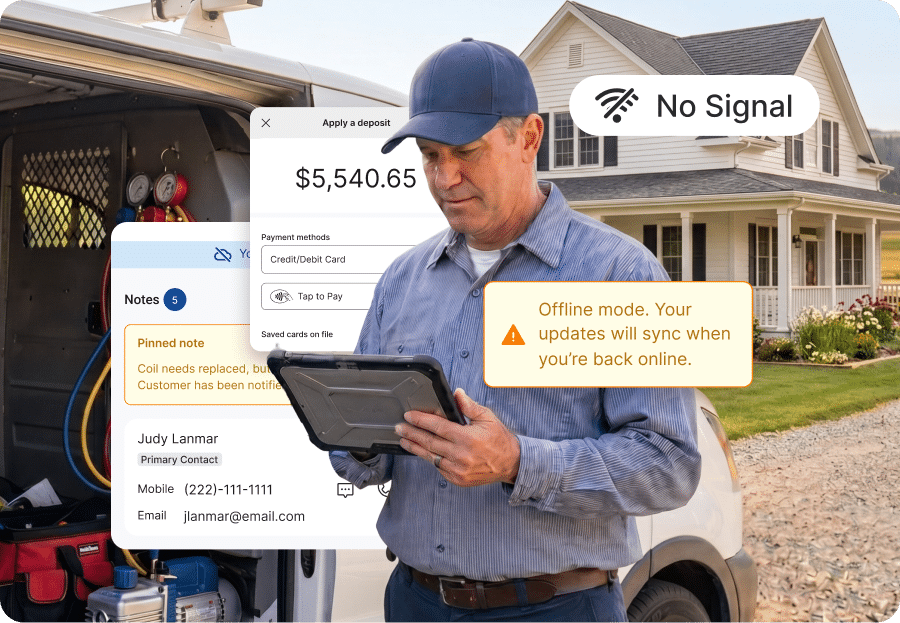
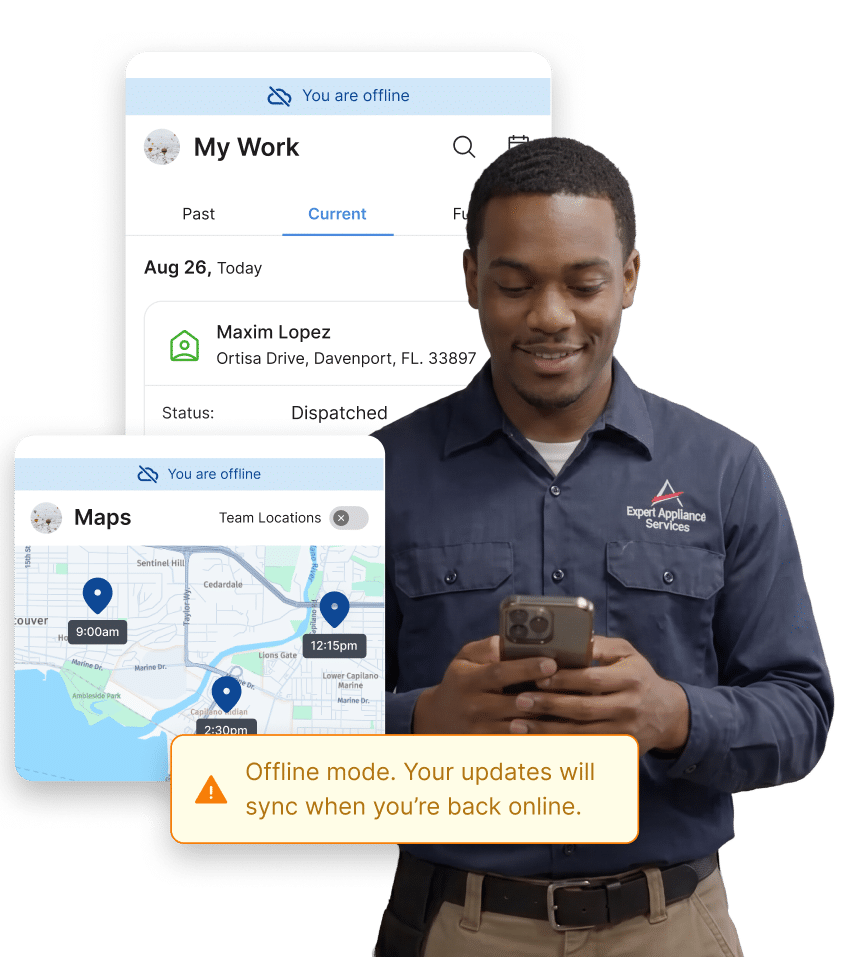
Offline Mode helps technicians keep working in low-service areas without screenshots, paper notes, or customer Wi-Fi. Here’s what technicians can do offline:

  • View schedules and customer details
  • Access notes, invoices, and equipment information
  • Add notes and photos
  • Complete tasks and checklists
  • Auto-sync when connection returns

Get Paid Faster from the Field

Collect payments directly from your field service management mobile app and reduce invoice delays.

  • Accept payments on-site
  • Process invoices faster
  • Reduce office follow-up
  • Improve cash flow
  • Keep payments tied to jobs

One Field Service App for Your Entire Workflow

Give technicians real-time access to the tools they need in one connected field service management app.

  • View schedules and job details
  • Access customer history and equipment records
  • Capture notes and photos
  • View estimates and invoices
  • Work offline in low-service areas

Field Service Mobile App FAQs

What can technicians do with the Service Fusion mobile app?


Technicians can manage schedules, access customer information, document work with notes and photos, collect payments, track job progress, and update work directly from the field. The Service Fusion field service mobile app gives technicians real-time access to the information they need to complete jobs efficiently from anywhere.

Does the Service Fusion mobile app work offline?


Yes. Offline Mode allows technicians to continue working even without internet connection.  Technicians can view jobs, access customer information, add and edit notes, upload photos, and complete job tasks while offline. Updates automatically sync once connection returns. 

Can customers make payments through the mobile app?


Yes. Technicians can collect payments directly through the Service Fusion mobile app, helping businesses improve cash flow and reduce payment delays. 

Is the Service Fusion mobile app available on iOS and Android?


Yes. The Service Fusion app is available for both iOS and Android devices. 

How does the mobile app improve field operations?


The Service Fusion field service management mobile app helps businesses improve productivity, reduce manual work, improve communication between office and field teams, and keep technicians productive in real-world field conditions. 

What features are included in the Service Fusion mobile app?


The new Service Fusion app includes major mobile app enhancements designed to improve technician workflows, including: 
  • Faster load times 
  • Smarter navigation 
  • Camera Burst Mode 
  • Dark Mode 
  • In-app help and training resources 
  • Video uploads 
  • Offline-ready functionality 

What makes Service Fusion different from other field service mobile apps?


Service Fusion is built around real field-service workflows.  The app helps crews stay productive with reliable offline functionality, real-time field access, connected mobile payments, and modern workflows designed specifically for technicians working in the field. 

Do technicians need to pre-load jobs before going offline?


No. Service Fusion Offline Mode automatically activates when connection drops, helping technicians continue working without manual prep work or complicated workflows. 

The Field Service Mobile App Built for Real Work

Service Fusion helps field service businesses stay productive with offline functionality, mobile payments, and real-time field access.

⛽ Switch to Service Fusion and Qualify for Up to a $600 Fuel Card.

Offer terms apply. Ends July 10, 2026.