

Service Fusion vs. FieldPulse: Full Comparison

Service Fusion gives growing service businesses one connected platform to simplify operations and scale with confidence. Key Service Fusion highlights include:

  • Unlimited users on every plan
  • Transparent, flat-rate pricing
  • QuickBooks Online & Desktop included from the Starter plan

Service Fusion vs. ServiceTitan: Full Comparison

Category
Service Fusion
FieldPulse Logo
Best fit
Bullet Blue Growing service businesses
Cross Icon Small teams seeking guided workflows
Pricing structure
Bullet Blue Flat-rate plans with unlimited users
Cross Icon Per-user pricing model
Cost as team grows
Bullet Blue Predictable
Cross Icon Increases as users are added
Implementation
Bullet Blue Fast onboarding and time-to-value
Cross Icon Guided onboarding experience
Ease of use
Bullet Blue Built for daily dispatch-to-payment workflows
Cross Icon Strong workflow structure and guidance
QuickBooks integration
Bullet Blue Available from the base plan
Cross Icon Available, depending on platform configuration
Office + field coordination
Bullet Blue Connected workflows across teams
Cross Icon Project-focused workflows
Mobile experience
Bullet Blue Field Worker app with dark and offline modes
Cross Icon Mobile-first workflows and project field tools
Core functionality
Bullet Blue Broad functionality included in platform tiers
Cross Icon Capabilities available through additional modules
Scalability
Bullet Blue Designed for growing operations
Cross Icon Well-suited for structured workflow management
Customer support
Bullet Blue Personalized onboarding & ongoing support
Cross Icon Guided onboarding experience & support
Operational focus
Bullet Blue Service operations and profitability
Cross Icon Workflow structure and project management

Why Choose Service Fusion Over FieldPulse?

FieldPulse is a capable platform, especially for businesses looking for project management features and guided workflows. But for growing service businesses, Service Fusion delivers greater operational efficiency, predictable pricing, and room to scale.

1. Pricing That Supports Growth

Don’t let software costs hold back your growth. 

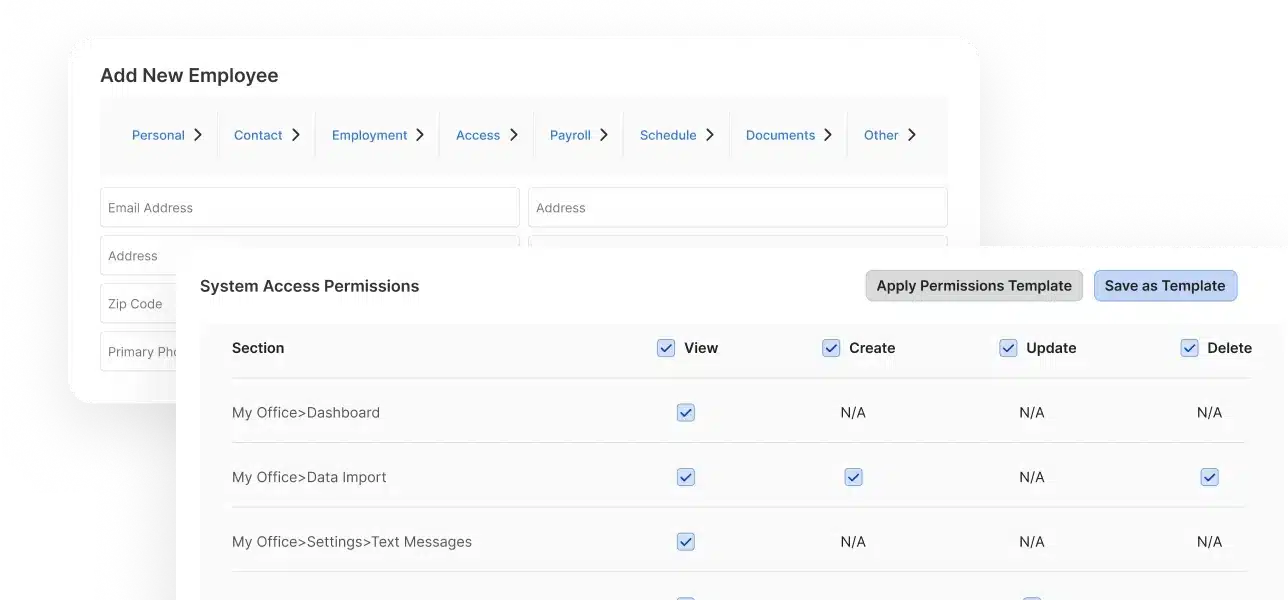
Service Fusion includes unlimited users on every plan, so you can grow your team without growing your software bill.

  • Unlimited users included on every plan
  • No per-seat fees as your headcount grows
  • Predictable monthly costs for easier budgeting
  • Scale your team without scaling software expenses
Service Fusion flat-rate pricing interface
QuickBooks From Day One

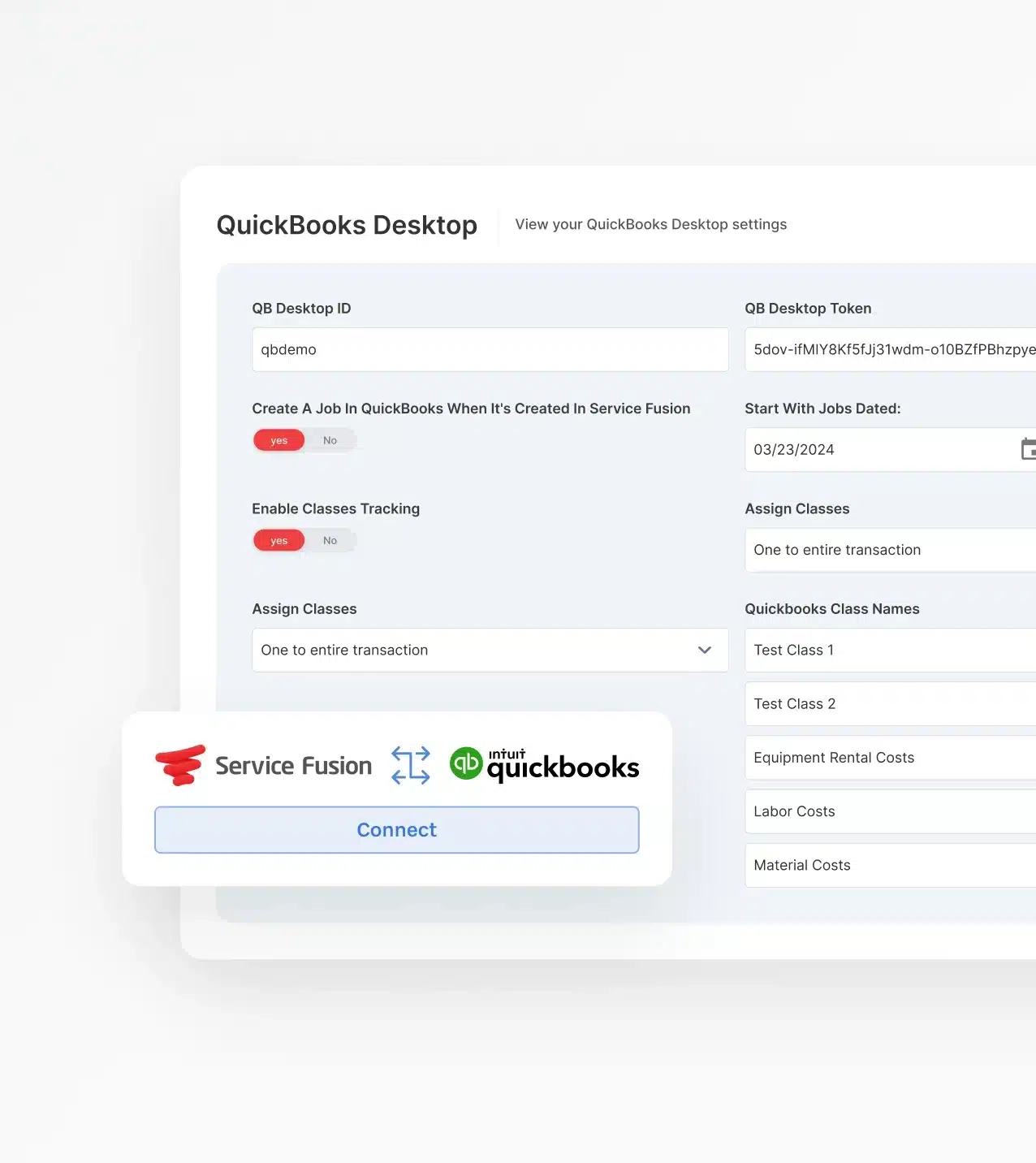
2. QuickBooks Connected from Day One

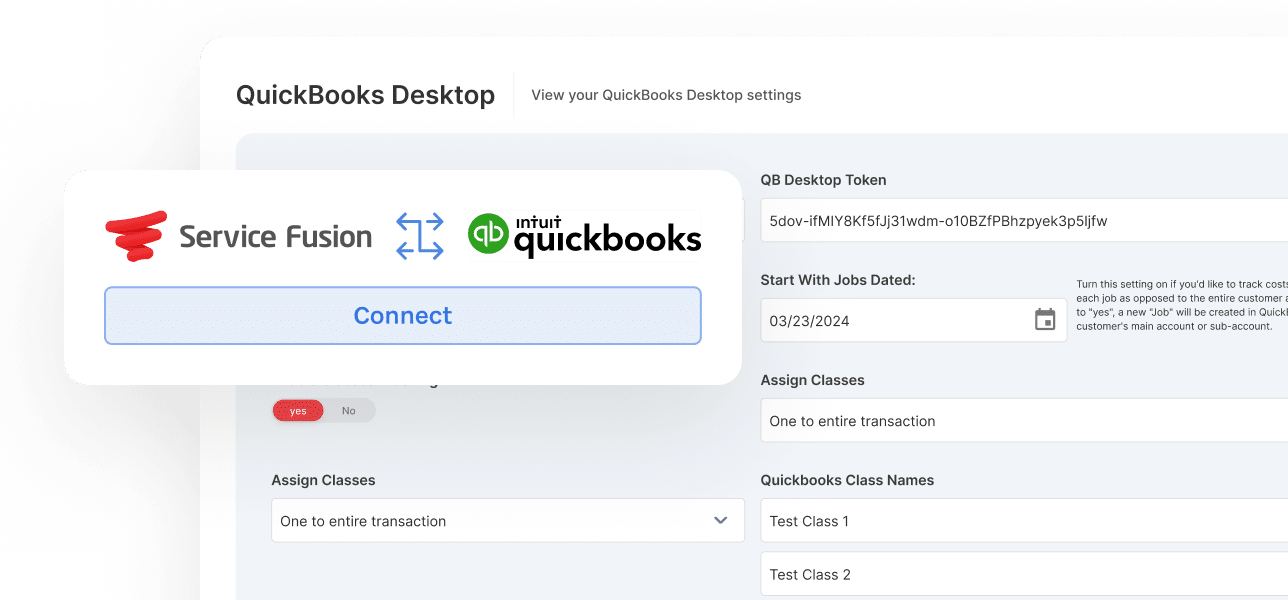
Connect QuickBooks Online or Desktop from the Starter plan and keep jobs, invoices, payments, and customer records in sync from day one.

  • QuickBooks Online and Desktop integration
  • Two-way sync between operations and accounting
  • Less manual data entry and duplicate work
  • Faster invoicing and reconciliation

3. Keep Office and Field Teams on the Same Page

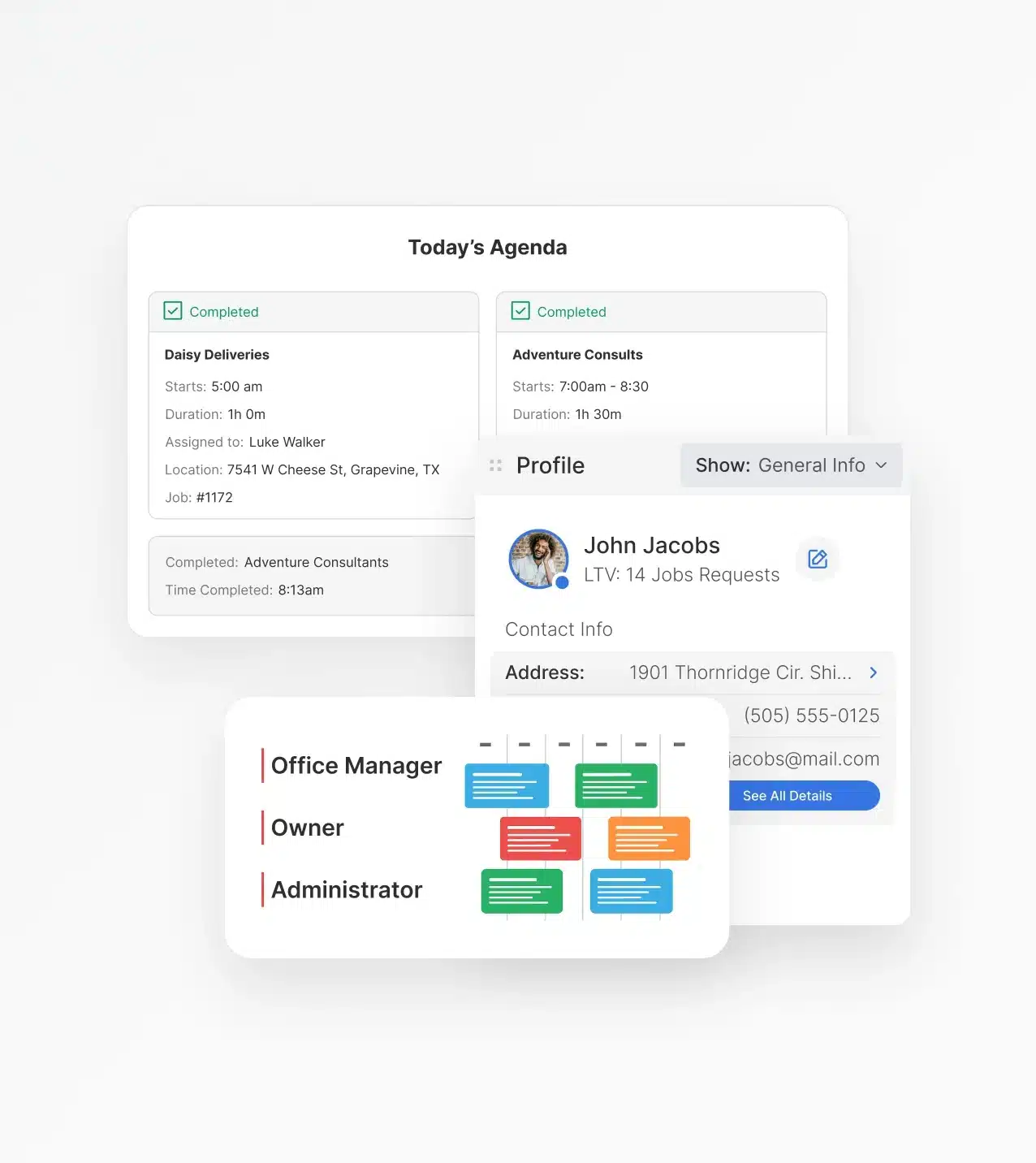
Keep dispatchers, technicians, office staff, and managers connected with one shared system for schedules, customer records, invoices, and job progress.

  • Real-time visibility across teams
  • Faster job completion and follow-up
  • Better coordination between office and field staff
  • Improved customer experience from start to finish
Your Whole Team, One System
Service Fusion flat-rate pricing interface

4. Built for Daily Service Operations 

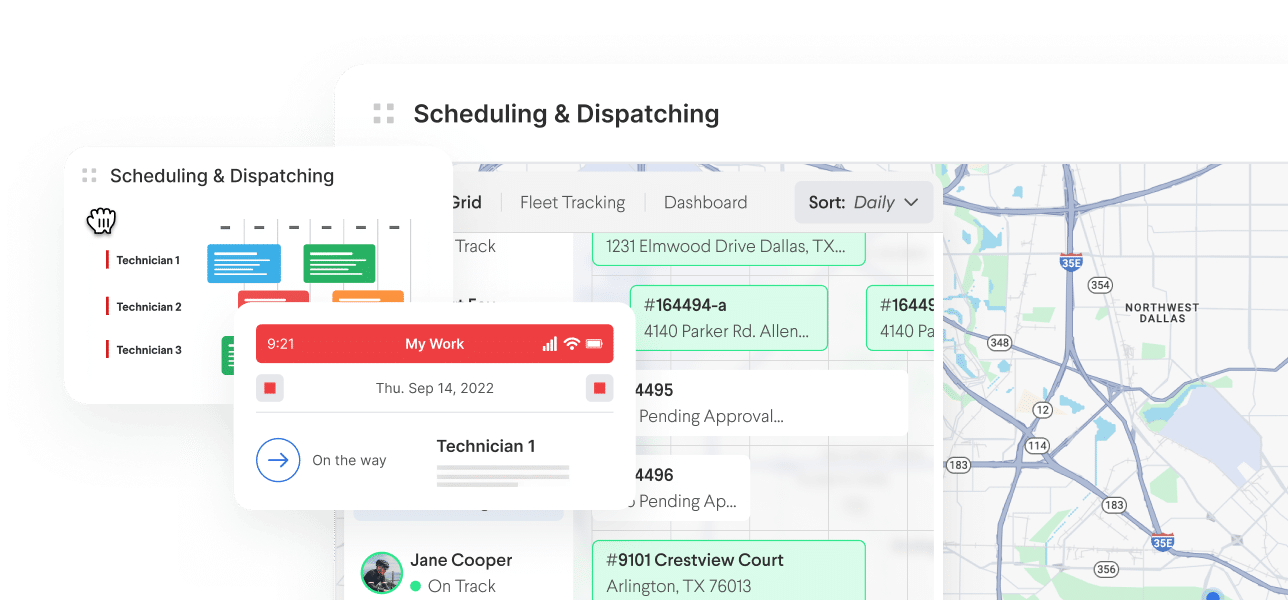
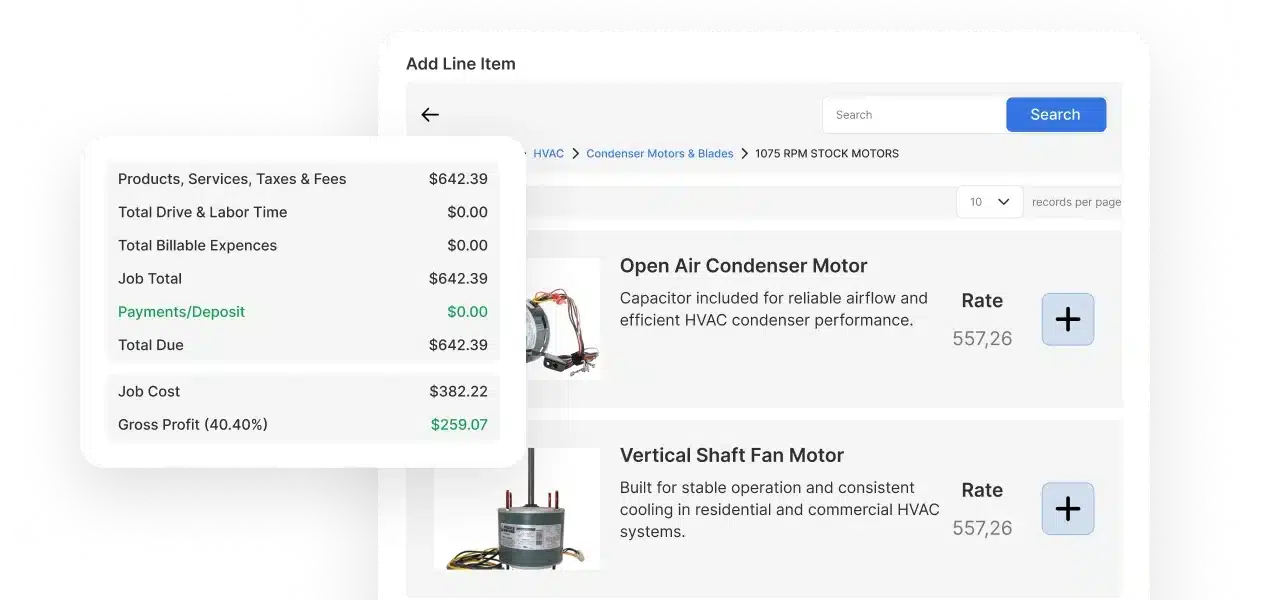
Service Fusion is built for the daily work that keeps service businesses moving, from scheduling and dispatching to invoicing and payment collection.

  • Streamlined dispatch-to-payment workflows
  • Simplified scheduling and job management
  • Centralized customer and job information
  • Operational consistency as your business grows

5. Modern Tools for Today’s Technicians

Service Fusion's Field Worker App helps technicians stay productive with Offline Mode, mobile-first workflows, and real-time job updates.

  • Offline Mode for low-connectivity job sites
  • Mobile-first workflows built for field teams
  • Faster updates from the field
  • Improved technician productivity and communication
Get a Free Demo
Service Fusion flat-rate pricing interface

How Service Fusion and FieldPulse Compare Feature by Feature

Both platforms offer the core tools field service businesses need to manage jobs, customers, technicians, and payments. The difference is how well those tools support your business as your team grows and operations become more complex.

Scheduling and Dispatching

  • Service Fusion's dispatch board gives office teams real-time visibility into technician availability, job status, and scheduling from a single screen. 

  • FieldPulse offers strong scheduling tools, but they're designed for smaller, self-directed teams rather than operations with active dispatchers coordinating throughout the day.

CRM & Customer Management

  • Service Fusion's connects customer records, service history, invoices, payments, and job details into one shared system for office and field teams.

  • FieldPulse includes customer management capabilities but is more heavily oriented toward project tracking and asset-related workflows.

Mobile App & Field Experience

  • Service Fusion's Field Worker App includes Offline Mode, digital signatures, photo uploads, and mobile workflows designed to keep work moving.

  • FieldPulse is known for its mobile experience, though some users report occasional syncing, loading, and workflow complexity issues as operations scale.

QuickBooks Integration

  • Service Fusion includes QuickBooks Online and Desktop integration from the Starter plan, helping businesses connect operational and financial workflows earlier.

  • FieldPulse also integrates with QuickBooks, but accounting connectivity is positioned differently within its platform structure.

Billing, Payments & Invoicing

  • Service Fusion connects estimates, invoices, payments, and customer records within a single workflow, helping reduce administrative effort and duplicate data entry.

  • FieldPulse supports billing and payment collection as part of its broader field service management platform.

Reporting & 
Business Visibility

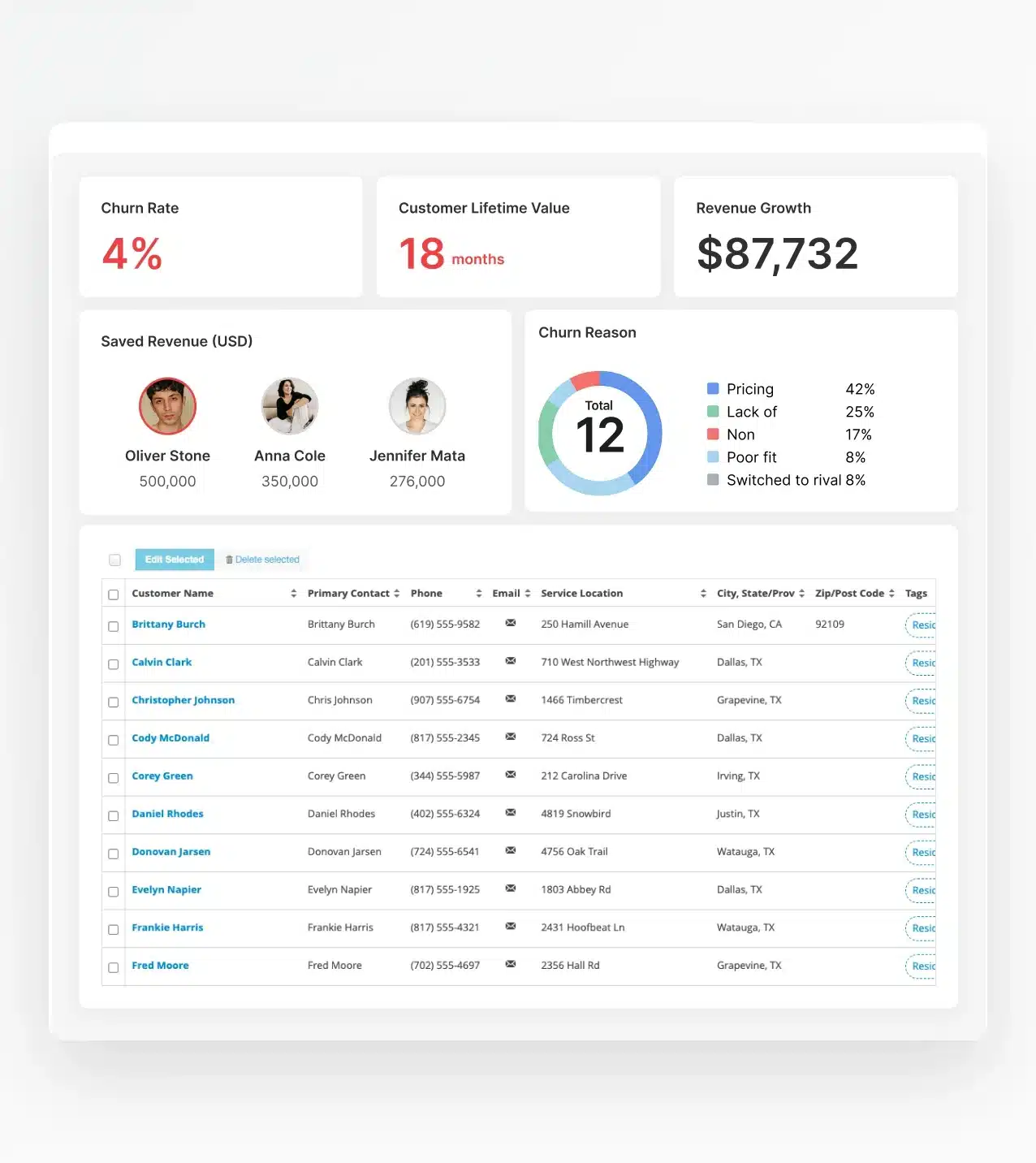
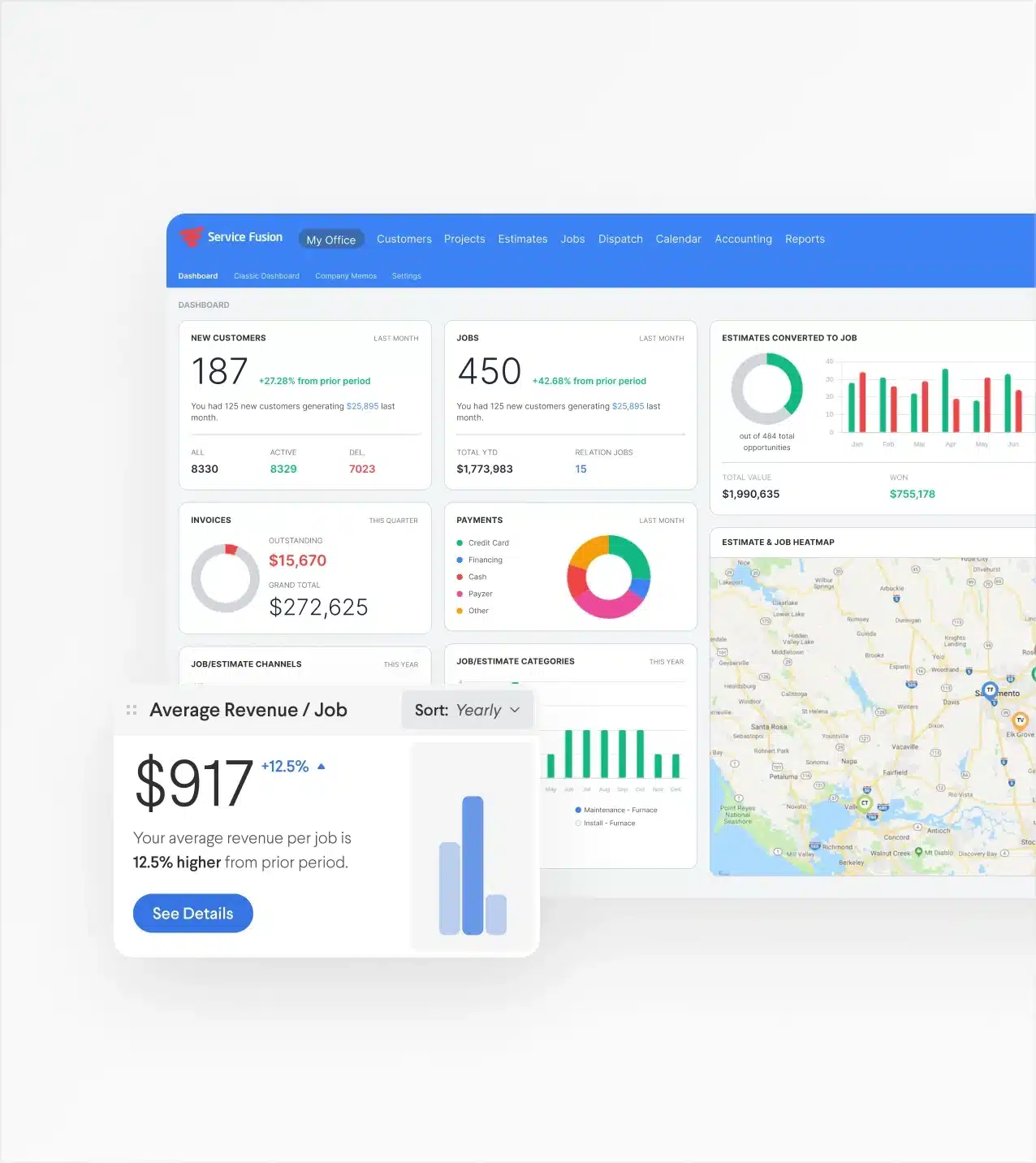
  • Service Fusion provides reporting across jobs, revenue, technicians, and operational performance, helping owners gain visibility into what's driving profitability.

  • FieldPulse offers some reporting tools as well, primarily focused on workflow management and project oversight.

Automation & Workflows

  • Service Fusion automates customer communications, operational workflows, and key business processes to help teams stay efficient without adding administrative work.

  • FieldPulse supports workflow automation and structured processes designed to promote operational consistency.

Scalability & Team Growth

  • Service Fusion includes unlimited users on every plan, making it easier to grow your team while maintaining predictable software costs.

  • FieldPulse supports growing businesses as well, though its user-based pricing structure can increase costs as headcount expands.

The Real Difference Between Service Fusion and FieldPulse

Both Service Fusion and FieldPulse can help service businesses manage jobs, technicians, customers, and payments. The bigger question is how well each platform supports your business as it grows. Here's where Service Fusion stands apart.

Growing Headcount Changes Everything

Most software looks affordable when your team is small. The real test comes as you add technicians, dispatchers, office staff, and accounting users.

Service Fusion's unlimited-user model helps businesses grow without increasing software costs every time they hire, making it easier to budget for where your business is headed—not just where it is today.

Growing Headcount Changes Everything

QuickBooks at the Center of the Business

For many service businesses, accounting isn't a separate department: it's part of daily operations.

Service Fusion connects jobs, invoices, payments, and financial reporting with QuickBooks from the start, helping businesses streamline accounting and reduce manual work.

QuickBooks at the Center of the Business

Project Management vs. Service Operations

FieldPulse is a strong choice for businesses that prioritize project management, asset tracking, and structured workflows.

Service Fusion is built for the day-to-day realities of running a service business, from dispatching jobs and managing technicians to invoicing customers and getting paid.

Project Management vs. Service Operations

Which Platform Fits Your Next Stage?

FieldPulse is a strong fit for businesses seeking guided workflows, project management tools, and asset tracking.

Service Fusion is built for growing service businesses that need operational efficiency, predictable costs, and connected office-to-field workflows. The best platform is the one that supports where your business is headed—not just where it is today.

Which Platform Fits Your Next Stage?
Get a Free Demo

See Service Fusion in Action

See the difference for yourself with a personalized demo.

Discover how Service Fusion helps growing service businesses simplify operations, control costs, and scale with confidence.

Get a Free Demo

Frequently Asked Questions

Service Fusion vs. FieldPulse: Which Is Better for Growing Service Businesses?


Both platforms are strong field service management solutions, but they're built for different needs. FieldPulse is a good fit for smaller teams focused on project management and guided workflows. Service Fusion is designed for growing service businesses that need predictable pricing, QuickBooks integration, and connected office-to-field operations.

What makes Service Fusion different from FieldPulse?


Service Fusion stands out with unlimited users, QuickBooks Online and Desktop integration from the Starter plan, and connected workflows that help office and field teams stay in sync. FieldPulse is known for guided workflows and project management, while Service Fusion is built to help growing businesses scale with predictable costs and operational simplicity.

Which platform is easier to use: Service Fusion or FieldPulse?


Both platforms are designed to be easy to use and offer onboarding support. Service Fusion focuses on simple dispatch-to-payment workflows, while FieldPulse offers more workflow customization for businesses that need additional structure.

How long does onboarding take with Service Fusion?


Many Service Fusion customers are up and running within days, depending on the size of their business, data migration requirements, and implementation needs. Guided onboarding helps configure workflows, team roles, and QuickBooks integration so you can start dispatching quickly.

What integrations does Service Fusion support?


Popular integrations include QuickBooks Online, QuickBooks Desktop, GPS fleet tracking solutions, ServiceCall.ai, and other tools that support accounting, communication, and operational workflows. FieldPulse also offers integrations including QuickBooks Online, Zapier, and CompanyCam.

Does Service Fusion include QuickBooks integration?


Yes, and it's included from the Starter plan. Service Fusion supports both QuickBooks Online and QuickBooks Desktop with a two-way sync. Invoices, payments, and customer records sync automatically between systems, reducing manual data entry. As a certified QuickBooks Solutions Provider, Service Fusion can also help reduce your QuickBooks subscription cost.

Is FieldPulse or Service Fusion Better for QuickBooks Users?


Service Fusion is often the better choice for businesses that rely on QuickBooks, with QuickBooks Online and Desktop integration available from the Starter plan. FieldPulse also integrates with QuickBooks, but Service Fusion connects accounting to daily operational workflows from the start.

How does Service Fusion pricing work?


Service Fusion offers flat-rate plans with unlimited users, helping businesses avoid per-user software costs as they grow. Contact the Service Fusion team for current pricing and the best plan for your business.

Which platform scales better for a growing team?


Service Fusion's unlimited-user pricing lets businesses add technicians, dispatchers, and office staff without increasing software costs. FieldPulse also supports growing teams, but its seat-based pricing means costs rise as headcount increases.

Does Service Fusion offer unlimited users?


Yes. Every Service Fusion plan includes unlimited users. Businesses can add technicians, dispatchers, office staff, managers, and accounting users without additional per-user fees, making software costs more predictable as teams grow.

Is Service Fusion one of the best FieldPulse alternatives?


Yes. Service Fusion is a strong FieldPulse alternative for businesses that rely on QuickBooks, plan to grow, and want predictable pricing with connected dispatch-to-payment workflows. It's a popular choice for growing service businesses looking to scale without increasing software costs.

Can Service Fusion support businesses with multiple locations?


Service Fusion may support businesses with more than one location, but account setup can vary based on how the business is structured. For multi-location operations, contact the Service Fusion team to confirm the best setup for your needs.

Which software is better for small service businesses?


Both Service Fusion and FieldPulse work well for small service businesses. FieldPulse is often a good fit for very small teams, while Service Fusion is designed for businesses planning to grow with predictable pricing, QuickBooks integration, and connected workflows.

What trades and industries does Service Fusion support?


Service Fusion supports residential and commercial field service businesses across 20+ trades, including HVAC, plumbing, electrical, heavy equipment, construction, mechanical, garage door, appliance repair, and more.

Why Do Growing Service Businesses Switch from FieldPulse to Service Fusion?


Common reasons include team growth, software costs, QuickBooks requirements, and operational complexity. Many businesses switch to Service Fusion for predictable pricing, unlimited users, connected office-to-field workflows, and tools designed to support growth.