

Service Fusion vs. Workiz: Full Comparison 

Not all field service software is built the same. Service Fusion gives you one connected platform, built for how service businesses actually operate.

Key Service Fusion highlights include:

  • QuickBooks integration included from the base plan, no upgrades required
  • Unlimited users on every plan, so costs stay predictable as you grow
  • Guided onboarding with dedicated specialists, not a self-serve help center

Service Fusion vs. Workiz: Full Comparison

Category
Service Fusion
workiz Logo
Pricing & Users
Bullet Blue Unlimited users on all plan
Cross Icon 3-5 users included; extras cost more
Onboarding
Bullet Blue Guided, hands-on onboarding
Cross Icon Self-guided, product-led
Workflow Flexibility
Bullet Blue Configurable across trades and workflows
Cross Icon More standardized setup
QuickBooks Integration
Bullet Blue Included in base plan
Cross Icon Requires higher-tier plan
Scheduling & Dispatch
Bullet Blue Built for dispatchers, office staff, and techs
Cross Icon Strong scheduling and communication tools
Mobile Experience
Bullet Blue Updated app with offline/dark modes, fast uploads, in-app help
Cross Icon Mobile workflows available
Estimates & Invoicing
Bullet Blue Fully integrated from quote to cash
Cross Icon Available
Payments
Bullet Blue Built directly into scheduling and invoicing workflow
Cross Icon Available
Customer Support
Bullet Blue Dedicated support + onboarding specialists
Cross Icon Self-serve focused
Best Fit
Bullet Blue Small to mid-sized businesses scaling operations
Cross Icon Teams that want self-guided setup and built-in communication tools

Why Choose Service Fusion Over Workiz?

Workiz is a capable platform, especially for teams that want to get started fast and lean on built-in communication tools. But for growing businesses that need their whole team on one system, Service Fusion goes further where it counts.

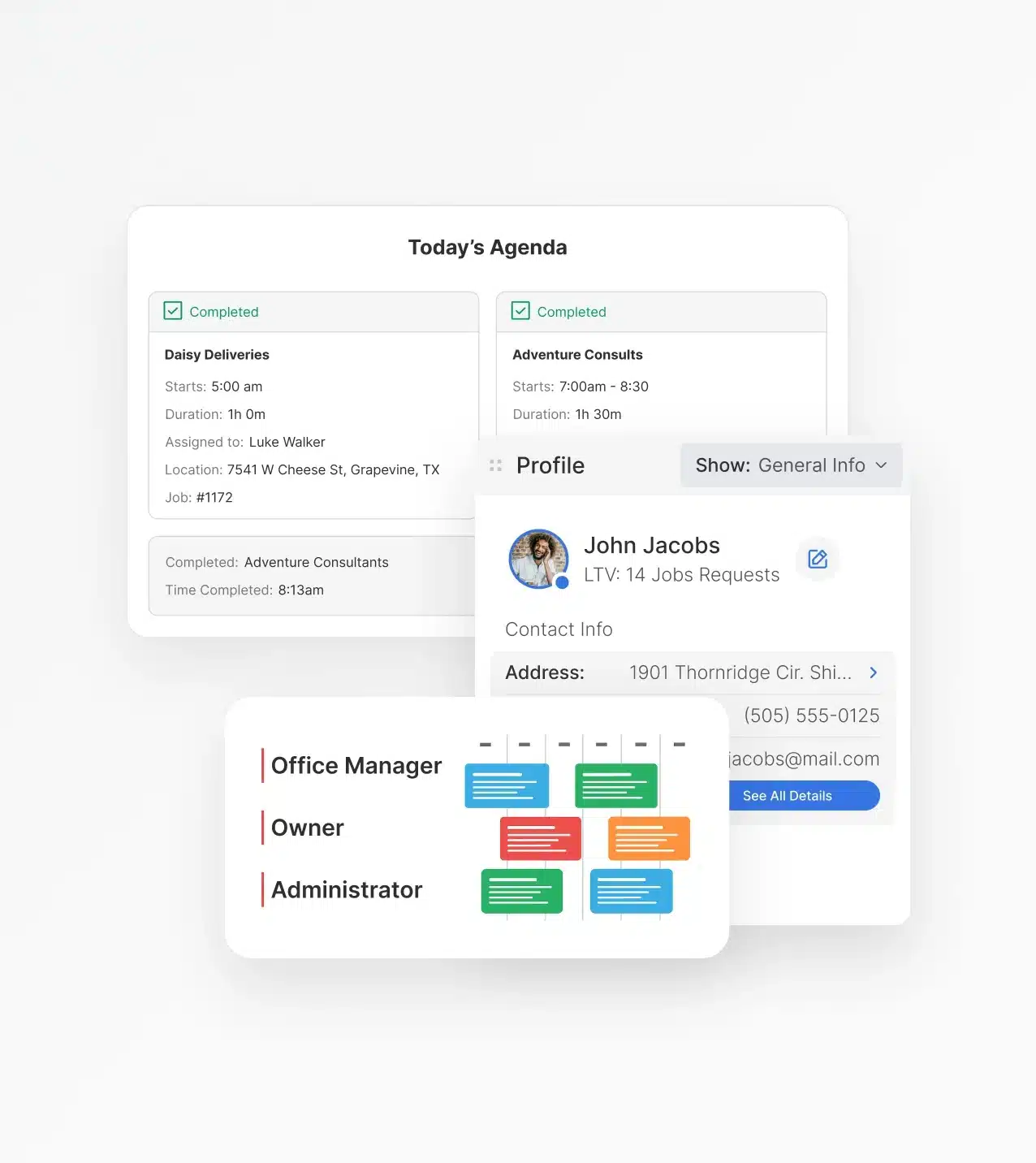
1. Your Whole Team, One System

Workiz is built with communications and quick setup in mind. Service Fusion is built for every role that touches a job, from the first call to the final invoice.

  • Dispatchers get a real-time board built for visibility and quick reassignments
  • Office staff manage scheduling, customers, and invoices from one place
  • Technicians use a mobile app that works on-site, even without a signal
Your Whole Team, One System
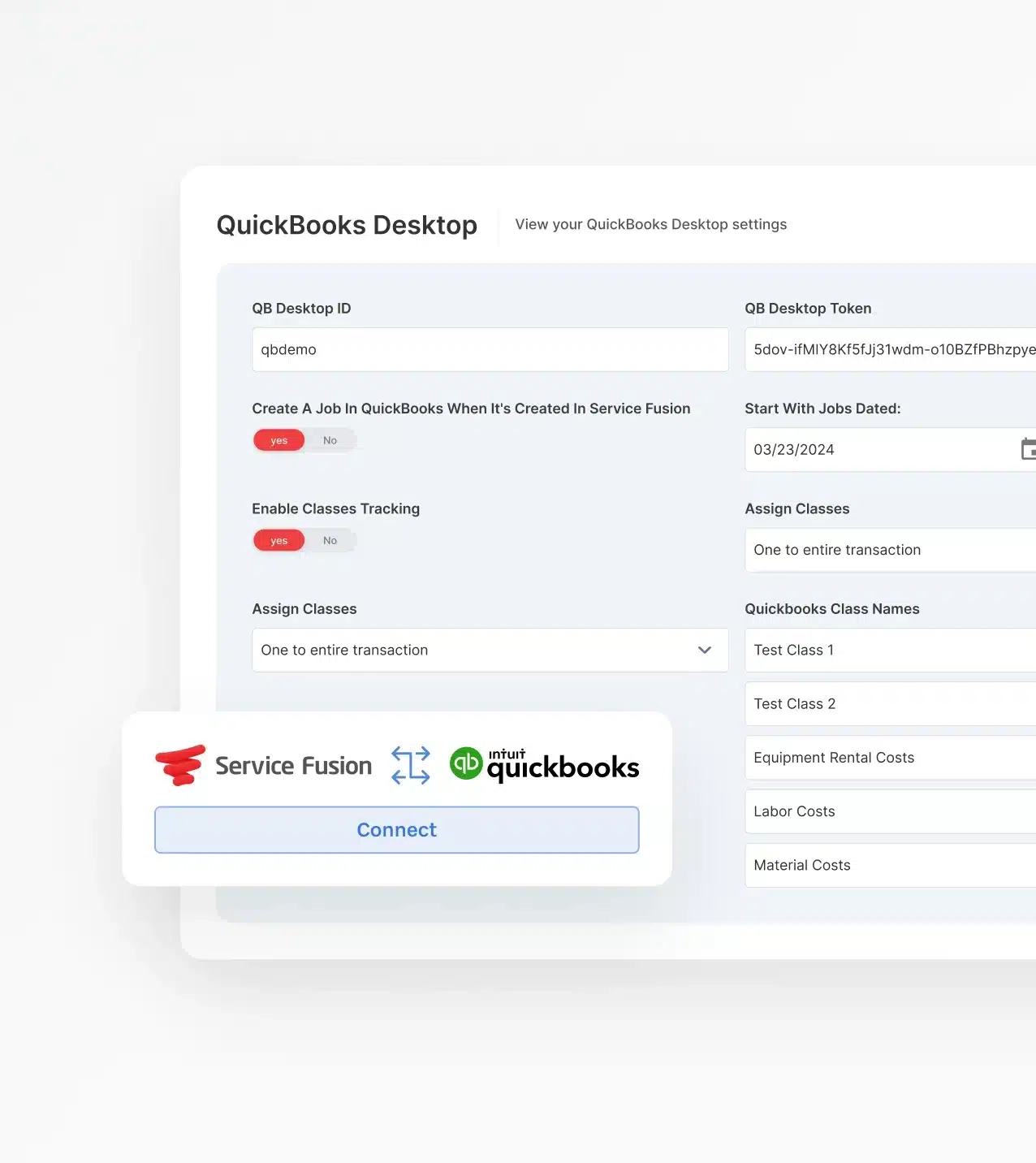
QuickBooks From Day One

2. QuickBooks From Day One

Most service businesses are already running QuickBooks. Service Fusion includes the integration from the base plan. There’s no waiting or upsell required.

  • Workiz typically reserves QuickBooks access for higher-tier plans
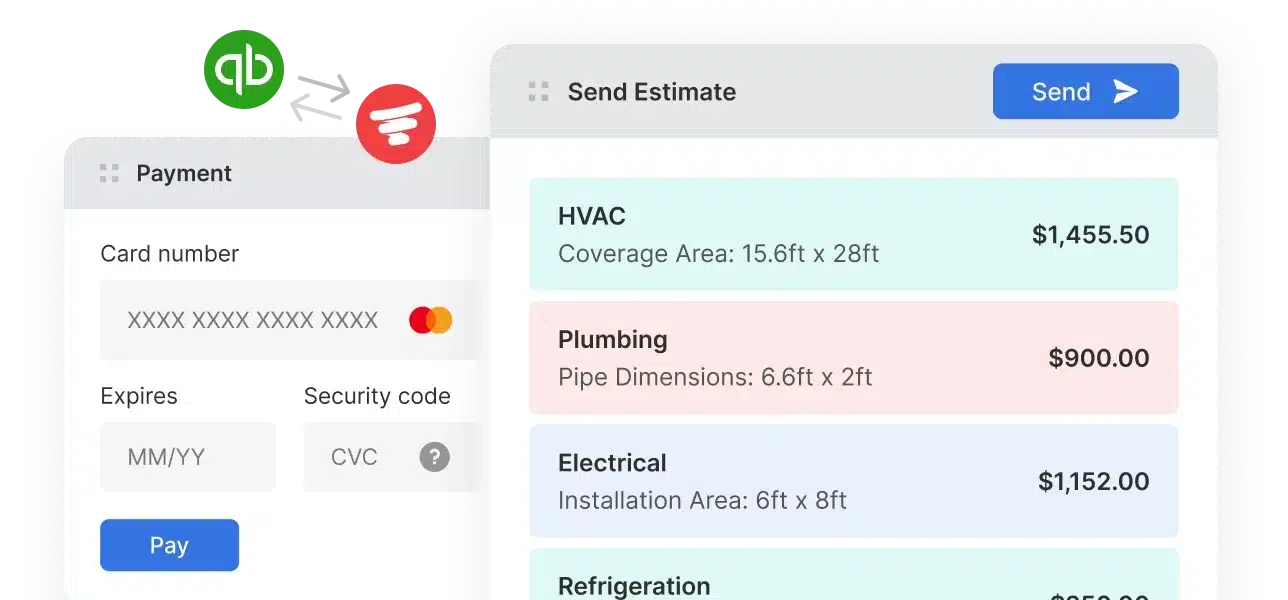
  • Jobs, invoices, and payments sync to your books automatically
  • Get your accounting connected from day one, not after an upgrade

3. Onboarding That Actually Sticks

Software is only useful if your team actually uses it. Service Fusion provides real onboarding support, not just a help center and a welcome email.

  • Dedicated onboarding specialists guide your setup from start to go-live
  • Training resources built for both office staff and field technicians
  • Workiz takes a self-guided approach that works for some, but not all teams
Onboarding That Actually Sticks
Pricing That Doesn't Penalize Growth

4. Pricing That Doesn't Penalize Growth

Adding people to your team shouldn't mean adding stress to your budget.

Service Fusion includes unlimited users across all plans, and your per-user cost stays flat as you hire.

  • Workiz's Kickstart plan includes 3 users; Standard and Pro include 5
  • Additional team members cost extra as your headcount grows
  • With Service Fusion, bring on more techs, dispatchers, and office staff freely

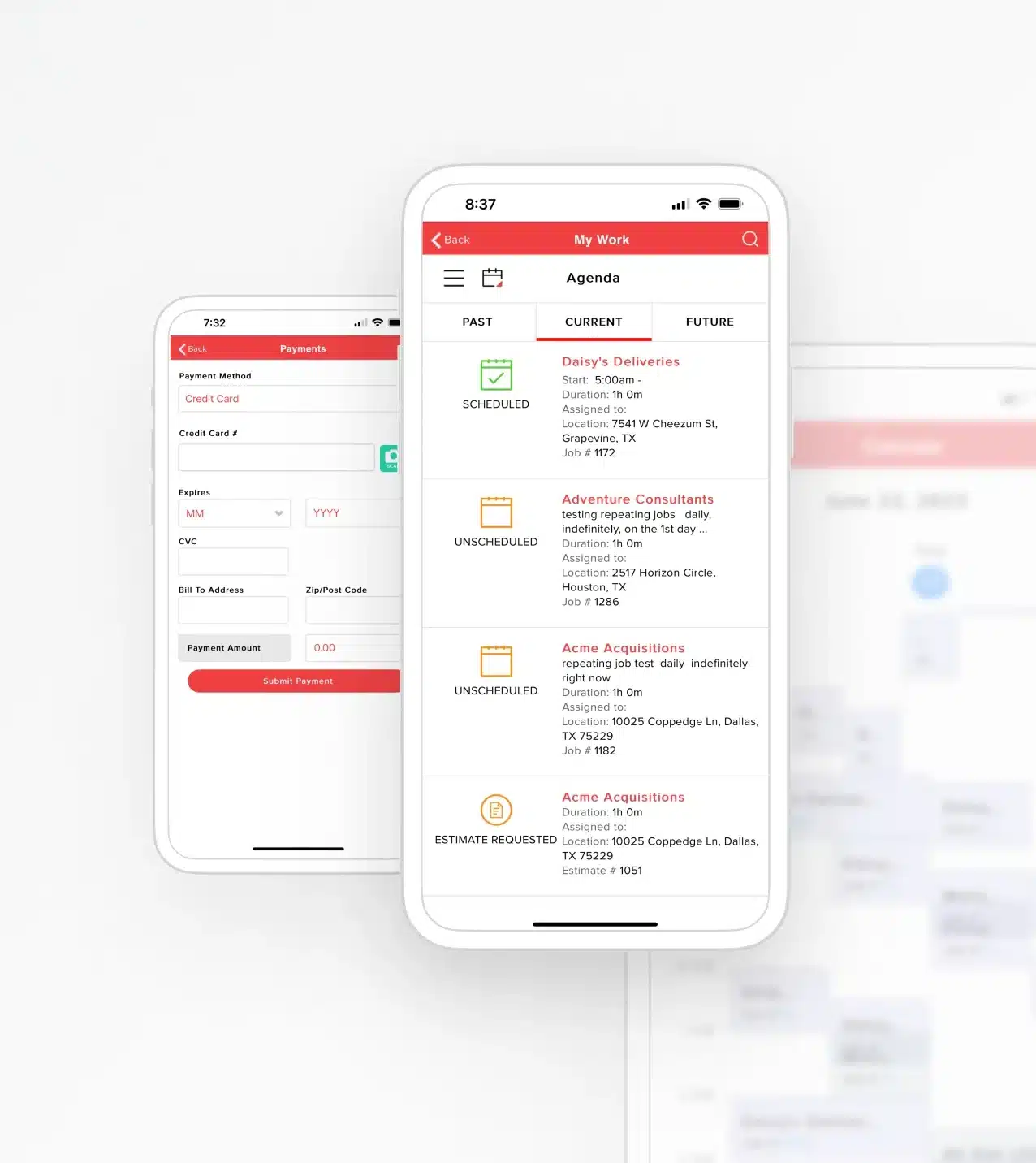
5. Mobile Built for the Field

Service Fusion’s updated mobile app was rebuilt with technicians in mind, not just a smaller version of the desktop.

  • Offline mode keeps jobs accessible without cell service
  • Fast photo and document uploads from any job site
  • Dark mode and in-app help built into the field experience
Get a Free Demo
Mobile Built for the Field

How Service Fusion and Workiz Compare Feature by Feature

Both platforms cover the core tools a service business needs. The differences show up in how those tools connect and how much support you get putting them to work. Here's how they stack up where it matters most.

Scheduling and Dispatching

See every job, every tech, and every gap from one screen. 

  • Service Fusion’s dispatch board gives your team real-time visibility across jobs, technicians, and service areas. 

  • Workiz offers solid scheduling tools with a focus on communication workflows, better suited to simpler dispatch needs.

CRM and Customer Management 

Keep every customer detail tied to the job, not buried in a separate tab.

  • Service Fusion connects customer records, service history, and contact details directly to scheduling and invoicing.

  • Workiz maintains customer records as well, with a stronger emphasis on communication history.

Estimates and Invoicing 

Quote the job, get approval, and send the invoice without switching tools.

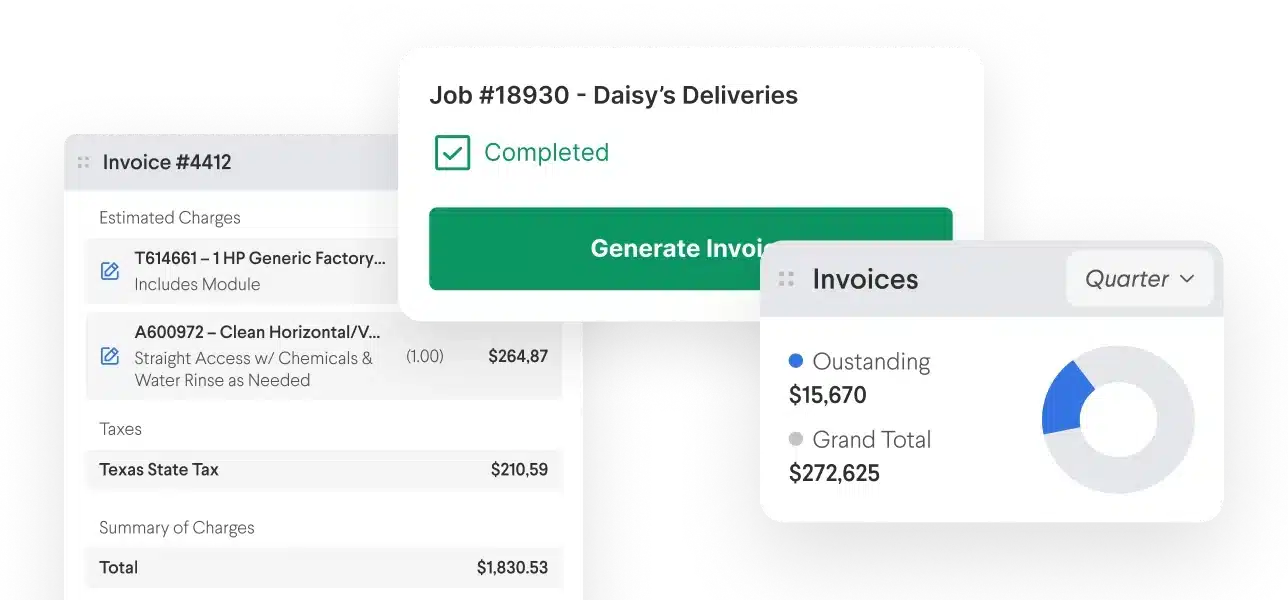
  • Service Fusion handles the full quote-to-cash workflow in one connected system, from estimate to signed approval to payment.

  • Workiz offers estimating and invoicing, though the workflow connection between steps is less tightly integrated.

Mobile App

Give your techs a field tool that works––even without a signal.

  • Service Fusion's updated app was rebuilt for technicians: offline mode, dark mode, fast uploads, and in-app help included.

  • Workiz has mobile capabilities with strong communication features, but the app is less focused on field-first technician workflows.

Billing and Payments

Collect in the field or send a digital invoice, payments sync either way.

  • Service Fusion Payments connects directly to scheduling, invoicing, and customer workflows in one place.

  • Workiz also offers integrated payment processing as part of its platform.

Automation

Stop sending manual follow-ups and let the system do the work.

  • Service Fusion automates customer communications, job status updates, and key workflow triggers.

  • Workiz also supports automation, with a stronger focus on communication-related triggers.

QuickBooks Integration

Keep your books connected to your jobs from day one.

  • Service Fusion includes QuickBooks integration at the base plan level, no upgrade required.

  • Workiz typically requires a higher-tier plan before QuickBooks becomes available.

Inventory

Know what parts you have and where they are before the job goes sideways.

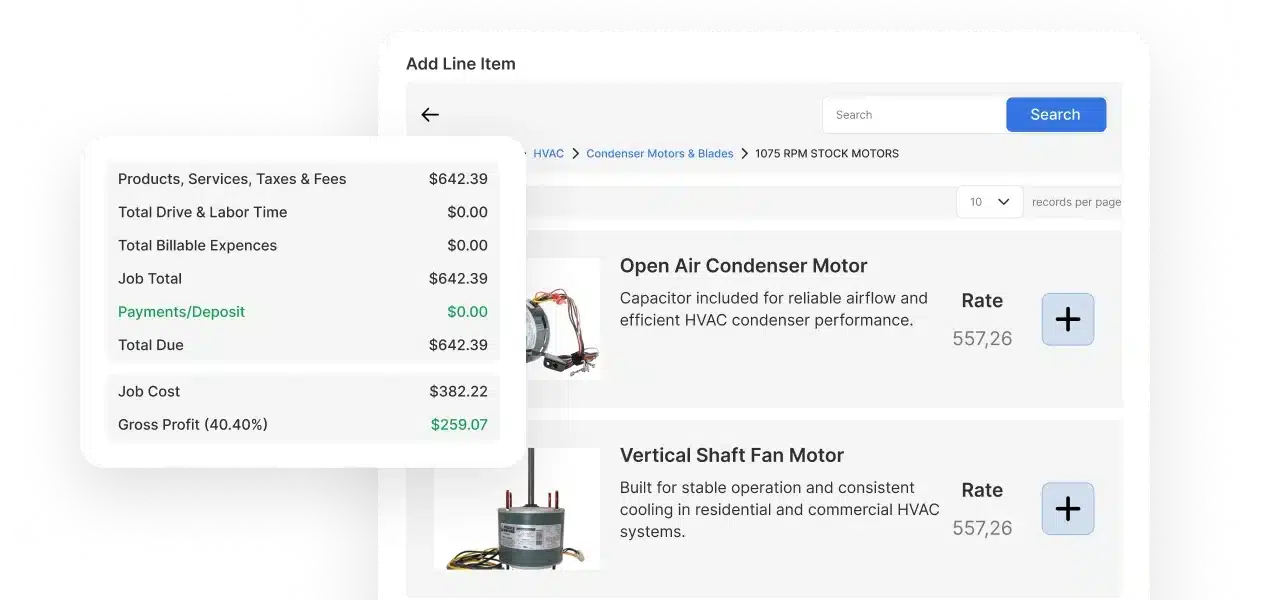
  • Service Fusion includes inventory tracking to manage parts and materials across jobs and technicians.

  • Workiz's inventory support varies by plan; check current tier details before assuming it's included.

The Real Difference Between Service Fusion and Workiz

Both platforms can run a service business. The difference is in what they’re built around, and how that shapes your team’s day-to-day experience once the software is live.

Operations-Forward vs. Communications-Forward 

Workiz is built around communication workflows, which is great for teams whose top priority is messaging and quick customer touchpoints.

Service Fusion is built around operations: dispatch, jobs, invoicing, payments, and accounting running together in one connected system. For businesses that need the whole workflow covered, not just the communication layer, that distinction matters.

Operations-Forward vs. Communications-Forward 

A Quick Start vs. A Real Start

Workiz's trial-led model gets you into the product fast. That's genuinely useful if you need something running today.

Service Fusion's guided onboarding takes slightly more time upfront, but your team comes out the other side actually configured, trained, and ready to run. Less time fixing it later.

Payments That Keep Jobs Moving

Software That Fits Your Trade

Not every service business runs the same way.

Service Fusion is configurable across 20+ trades, including HVAC, plumbing, electrical, garage door, and more, so workflows adapt to how your team actually operates. Workiz uses a more standardized setup that works well out of the box but offers less flexibility as your processes get more specific.

QuickBooks Sync That Doesn't Create More Work

Built to Grow With You

As your business adds people and job volume, your software costs shouldn't spike.

Service Fusion's unlimited user model and multi-location support keep the platform manageable and affordable as you scale. Workiz's growth path introduces user fees and feature gates that can make costs harder to predict over time.

Built to Grow With You
Get a Free Demo

See Service Fusion in Action

Thousands of service businesses across 20+ trades use Service Fusion to run their day-to-day operations. Teams that make the switch report faster invoicing cycles, fewer missed jobs, and less time spent managing work in multiple systems.

Book a free demo and we'll walk you through the platform: scheduling, dispatch, invoicing, payments, mobile, and more, tailored to your trade and team size. 

No pressure, no scripts. Just a real look at how it works.

Get a Free Demo

Frequently Asked Questions: Service Fusion vs. Workiz

What makes Service Fusion different from Workiz?


Service Fusion is a field service management software platform built around end-to-end operational workflows: scheduling, dispatching, invoicing, payments, and QuickBooks, all in one connected system. It's designed for teams across office and field roles, with guided onboarding and unlimited users on every plan. Workiz has slightly more robust communications features and a quicker self-guided setup but adds user fees as teams grow and typically reserves QuickBooks for higher tiers.

Which platform is easier to use?


Both platforms are designed for non-technical users. Workiz takes a more self-guided approach that works well for solo operators or small teams comfortable with DIY setup. Service Fusion includes dedicated onboarding support, which most growing teams find makes the platform easier to actually adopt across the full staff, not just one or two power users.

How long does onboarding take with Service Fusion?


Most Service Fusion customers are up and running within a few weeks. Guided onboarding, dedicated specialists, and pre-built training resources are designed to get your team live without a long ramp-up period.

Does Service Fusion include QuickBooks integration?


Yes. QuickBooks integration is included starting with the base plan. You don't need to upgrade to connect your accounting workflows.

Is Service Fusion pricing transparent?


Yes. Service Fusion offers clear plan pricing with unlimited users included, so your costs don't change based on team size. Workiz's plans include user seat limits and charge extra for additional team members beyond those thresholds.

What industries does Service Fusion support?


Service Fusion serves 20+ trades, including HVAC, plumbing, electrical, garage door, heavy equipment, construction, mechanical, and more. It's built specifically for small to mid-size residential and commercial service businesses.

What customer support does Service Fusion offer?


Service Fusion includes dedicated onboarding specialists, a responsive support team, training resources, and a help center. Support is available beyond just onboarding; it's a long-term part of the relationship.

Does Service Fusion have a mobile app?


Yes. The updated Service Fusion mobile app features offline mode, dark mode, fast photo and document uploads, and in-app help. It's rebuilt on the latest architecture and designed for field technicians who need reliable tools on the job site.

Can Service Fusion handle multi-location or growing businesses?


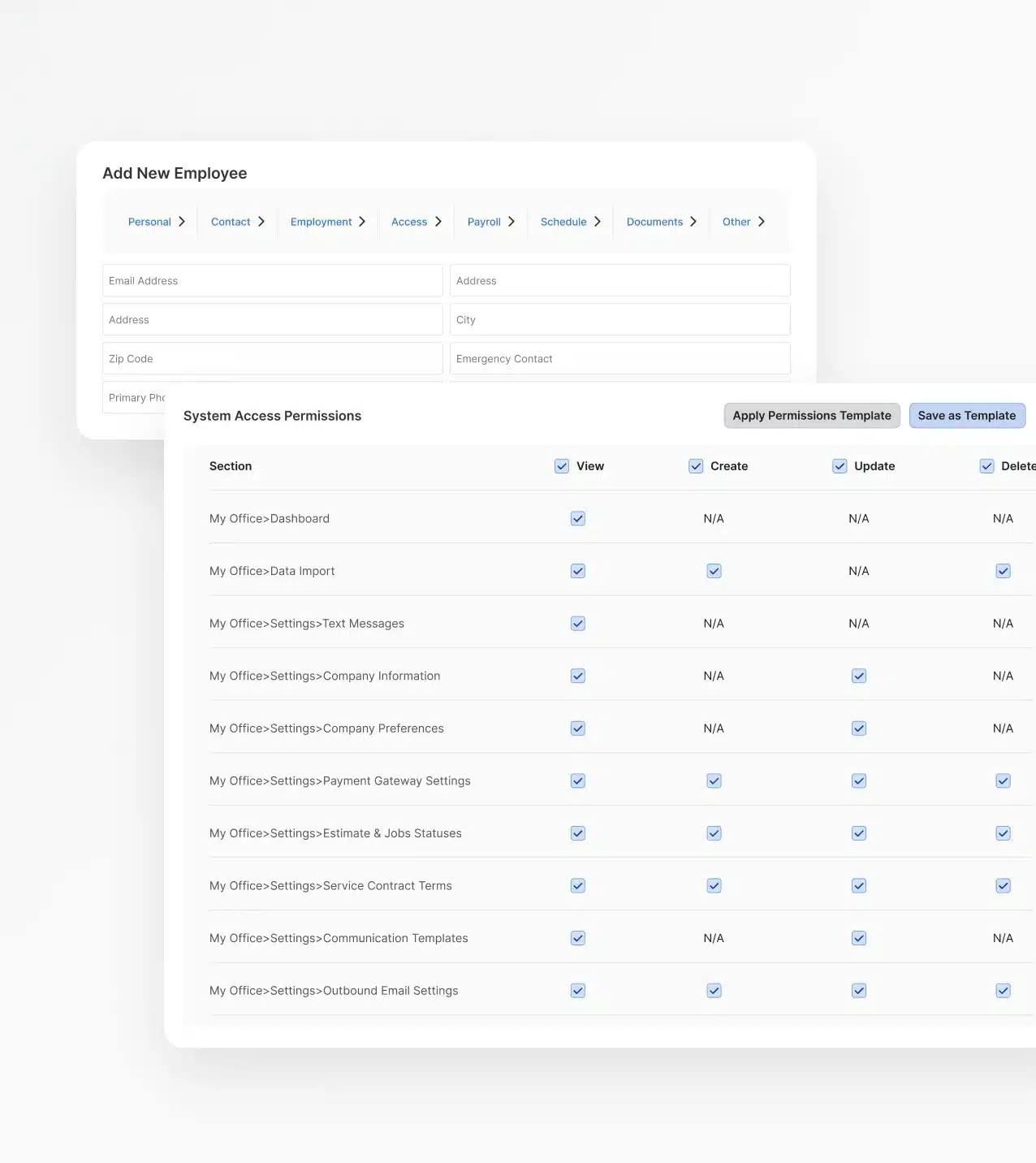
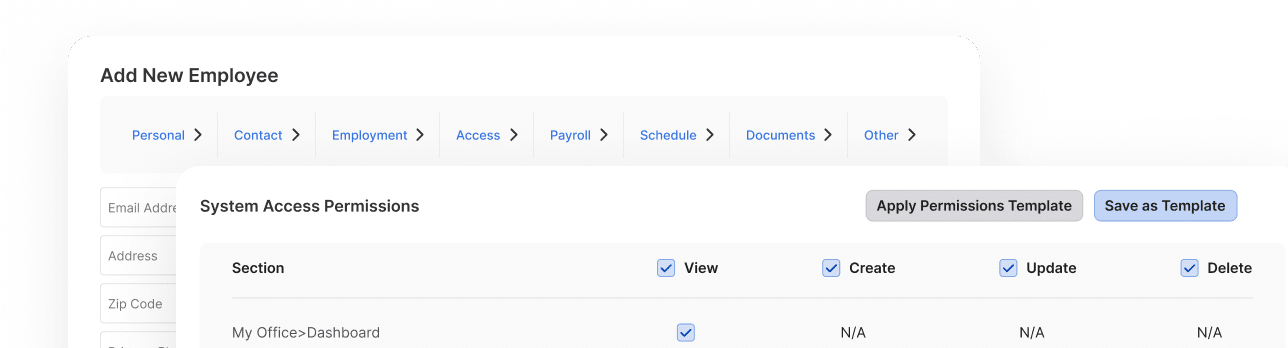
Yes. Service Fusion supports multi-location operations, role-based permissions, and unlimited users, all designed to support businesses as they add people, expand service areas, and increase job volume.

What are the best Workiz alternatives for small service businesses?


For small to mid-size service businesses evaluating field service management software, Service Fusion is one of the strongest Workiz alternatives. It offers unlimited users on every plan, QuickBooks integration at the base level, and guided onboarding, making it a better fit for growing teams that need broader operational support, not just communication tools. Other commonly considered alternatives include Jobber and Housecall Pro, depending on trade and team size.

Is Service Fusion a good Workiz alternative?


If you're evaluating field service management software and outgrowing Workiz's user limits, need QuickBooks earlier in your plan, or want more hands-on support during onboarding and beyond, Service Fusion is a strong alternative. It's built for the same customer (small to mid-size service businesses) but designed for teams that need broader system access and a platform they can standardize operations on long-term.

What happens if I want to switch from Workiz to Service Fusion?


Service Fusion's onboarding team can help with the transition, including data migration support and workflow configuration. The goal is to minimize downtime and get your team operational as quickly as possible.